%20(1).svg)
.png?width=1200&height=630&name=9%20Best%20Revenue%20Automation%20Software%20For%20B2Bs%20%26%20B2Cs%20(Based%20on%20User%20Reviews).png)
Revenue automation software is not one clean category.
-
A sales leader searches for it because inbound leads are going cold.
-
A RevOps leader searches because forecast calls still depend on rep opinion.
-
A controller searches because revenue recognition lives in spreadsheets.
-
An e-commerce operator searches for abandoned checkouts, repeat-purchase moments, and failed payments that are not getting enough follow-up.
That is why the best tool depends on the revenue moment. Some platforms take action with leads and customers across calls, SMS, email, and WhatsApp. Some automate CRM follow-up. Some help enterprise teams manage quote-to-cash.
Some turn sales calls into coaching data. Others help finance teams recognize revenue, collect cash, or report subscription metrics.
This guide compares 9 revenue automation software options by buyer type, use case, pricing visibility, and public user-review signals. Let's get started.
Quick Answer: Which Revenue Automation Software Should You Choose?
Start with the leak. Then choose the tool.
|
If your revenue leak is… |
Start with this tool |
Best-fit team |
Pricing signal
|
|
Missed inbound leads, abandoned checkouts, failed payments, churn risk, or slow customer follow-up |
Outcraft AI |
B2B SaaS and DTC ecommerce operators |
Demo/contact sales; plans scale with lead volume |
|
Sales activity, pipeline, meetings, and CRM follow-up need one system |
HubSpot Sales Hub |
SMB and mid-market sales teams |
Free plan; paid Sales Hub tiers start from public per-seat pricing |
|
Complex quoting, product configuration, contracts, billing, and revenue lifecycle control |
Salesforce Revenue Cloud |
Enterprise sales, RevOps, and finance teams |
Contact sales and edition-based Salesforce pricing |
|
Forecast accuracy, pipeline inspection, and deal-risk visibility |
Clari |
RevOps and revenue leadership |
Custom pricing |
|
Call recording, conversation intelligence, deal coaching, and rep performance |
Gong |
Sales managers and enablement teams |
Custom pricing |
|
Revenue recognition, ASC 606 logic, revenue subledger, and audit trails |
RightRev |
Accounting and finance teams |
Demo/contact sales |
|
SaaS billing, revenue recognition, ARR/MRR metrics, and subscription finance |
Maxio |
SaaS finance teams |
Public directory pricing plus custom plans |
|
Collections, deductions, cash application, and invoice-to-cash workflows |
HighRadius |
Enterprise AR and collections teams |
Pricing available on request |
|
Abandoned cart, email/SMS lifecycle flows, segmentation, and ecommerce retention |
Klaviyo |
DTC ecommerce lifecycle teams |
Free plan and usage-based paid plans |
Shortlist in this order:
-
Name the revenue moment. Is it lead response, cart recovery, quote approval, revenue recognition, collections, or retention?
-
Check whether the tool acts before revenue is booked, after revenue is booked, or both.
-
Confirm the systems it must touch: CRM, ecommerce platform, billing system, ERP, payment processor, email/SMS tool, WhatsApp, or call stack.
-
Separate action from reporting. A dashboard can show risk. It does not always call, text, email, route, qualify, collect, or recover.
-
Use reviews to test operating fit: ease of setup, integration depth, support, pricing friction, reporting quality, and implementation effort.
Revenue Automation Software Shortlist by Buyer Type
If you are in sales or GTM, look for tools that reduce response time, qualify leads, route accounts, automate follow-up, and book meetings. Outcraft AI and HubSpot Sales Hub sit closest to this work. Gong and Clari also help sales teams, but they focus more on conversation intelligence and pipeline visibility than direct lead response.
If you are in RevOps, start with the operating rhythm. Clari helps with forecast control. Gong helps inspect real customer conversations. Salesforce Revenue Cloud helps if the process breaks between quote, contract, billing, and renewal. HubSpot can work when the team needs a simpler CRM-led operating system.
If you are in finance or accounting, revenue automation usually means different work: billing, revenue recognition, deferred revenue, quote-to-cash, AR, audit trails, and close speed. RightRev, Maxio, HighRadius, and Salesforce Revenue Cloud belong in that conversation.
If you are in DTC e-commerce, the practical question is whether the tool can recover or retain customers before intent disappears. Klaviyo covers email and SMS lifecycle automation. Outcraft AI adds live conversations across calls, SMS, email, and WhatsApp for high-intent moments where static flows do not do enough.
How to Choose the Right Revenue Automation Software?
Revenue automation should match ownership. A tool that finance loves may not help a sales team book more demos. A conversation intelligence platform may improve coaching, but it will not replace revenue recognition software.
Sales and GTM teams
Sales teams need fast lead response, automated follow-up, qualification, routing, meeting booking, and clear next steps. The best fit usually connects to CRM and communication channels. Look for workflows that reach leads while intent is still high, not only reports that show conversion dropped later.
RevOps teams
RevOps teams need reliable data, forecast discipline, pipeline inspection, activity capture, and shared operating cadence. Gartner frames RevOps as an end-to-end model that unifies customer engagement and uses common data across the revenue process. That makes integration quality and data governance as important as the feature list.
Finance and accounting teams
Finance teams care about billing accuracy, revenue recognition, deferred revenue, ASC 606 or IFRS 15 policy logic, audit trails, and close speed. These tools usually sit closer to ERP, billing, and general ledger systems than to SDR workflows.
AR and collections teams
AR teams need invoice follow-up, payment matching, deduction workflows, dispute tracking, and worklists that help collectors focus on the accounts that matter. The goal is not only revenue booked. It is cash collected.
E-commerce and lifecycle teams
E-commerce teams need abandoned checkout recovery, post-purchase upsell, winback, retention, segmentation, and payment recovery. Email and SMS matter, but high-value shoppers and urgent purchase moments may need voice or WhatsApp as well.
1. Outcraft AI
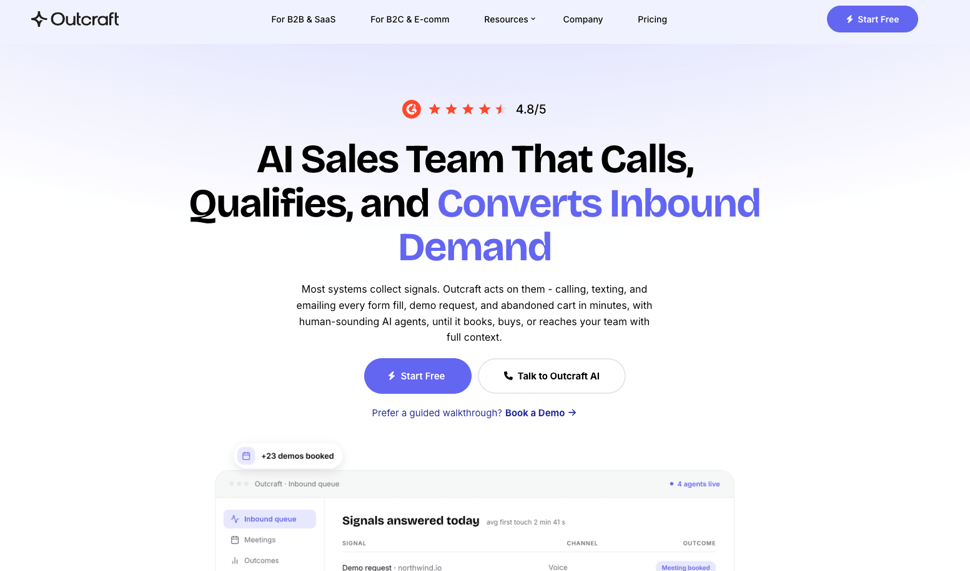
Outcraft AI is the AI Sales Team for Inbound Demand for live revenue moments. It engages leads and customers across calls, SMS, email, and WhatsApp when someone signs up, abandons checkout, misses a payment, stalls in activation, asks a question, or shows churn risk.
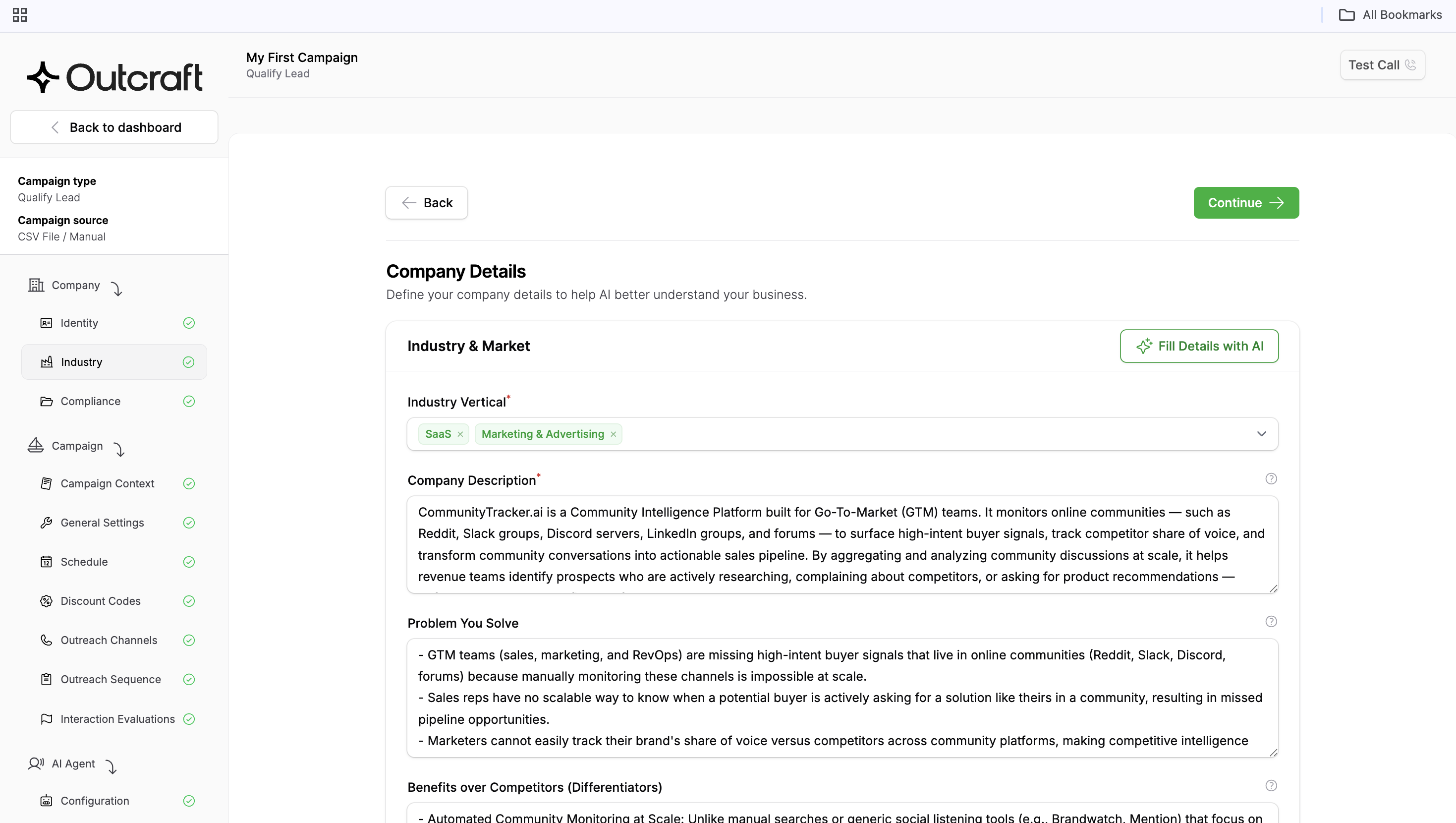
For B2Bs, it focuses on inbound lead conversion, free-to-paid conversion, onboarding, churn prevention, and inbound call handling. And for B2Cs, it focuses on abandoned checkout recovery, post-purchase upsells, retention, payment recovery, and high-value support conversations.
How it helps
-
Responds to inbound leads quickly, then qualifies and follows up until the next step is clear.
-
Book meetings for B2B SaaS teams that need more pipeline from the same demand.
-
Recovers abandoned carts and repeat-purchase moments for DTC brands.
-
Handles routine objections, out-of-office replies, wrong contacts, and missed responses.
-
Connects with systems such as Shopify, HubSpot, Klaviyo, Salesforce, Slack, Gmail, Microsoft 365, and custom API integrations.
Pros and Cons
Pros
-
Strong fit when speed-to-lead, cart recovery, payment recovery, or churn prevention needs a real conversation.
-
Covers voice plus text channels, not only email and SMS.
-
Works for both B2B SaaS and DTC ecommerce use cases.
-
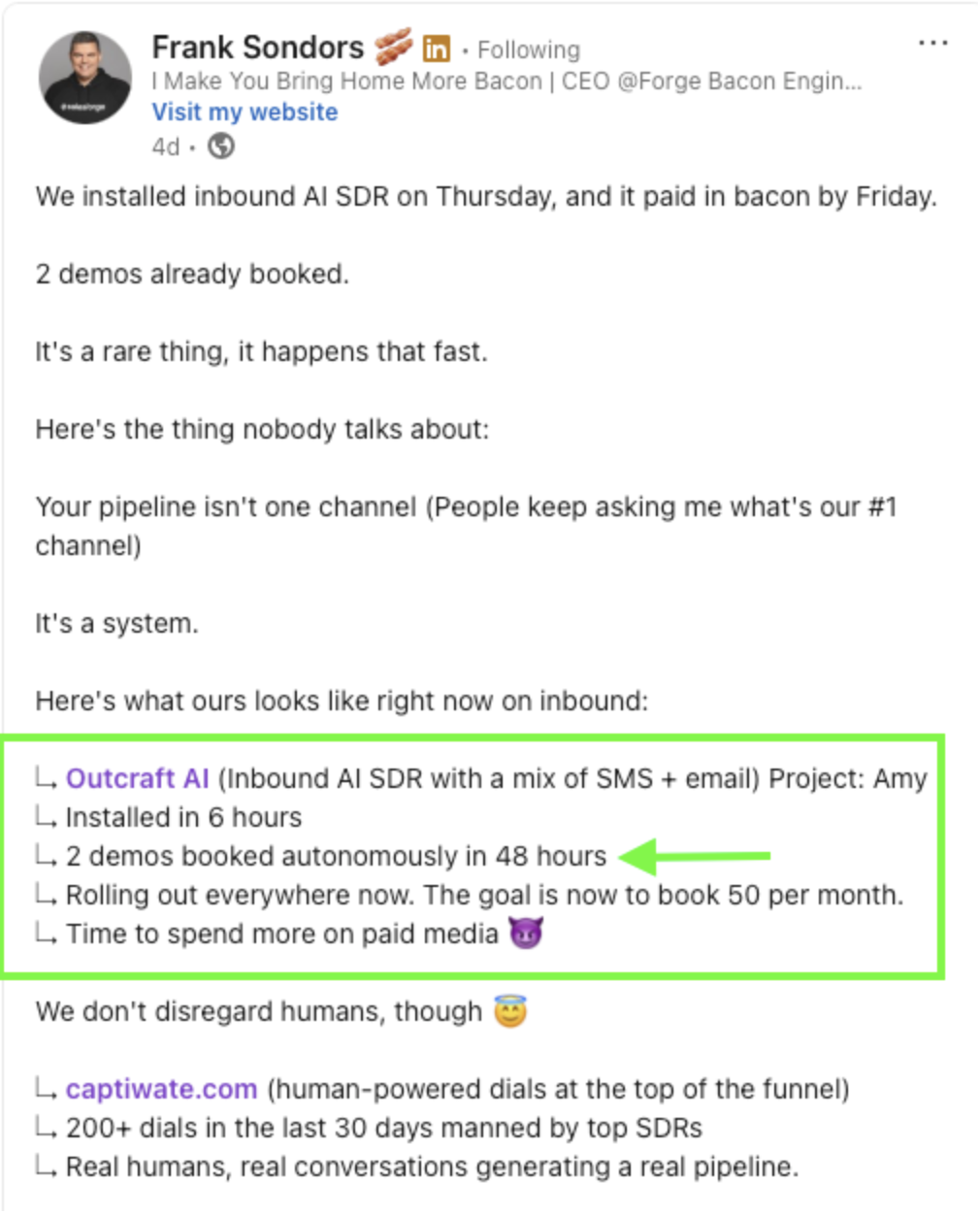
Public success stories tie the product to booked meetings, abandoned cart recovery, upsell revenue, and repeat purchases.
Cons
-
Not a finance back-office tool for revenue recognition, AR, or ERP workflows.
-
Public pricing is not self-serve.
Pricing
$300 per month for up to 100 leads, with unlimited seats and every channel included. The rate is per lead entering a sequence, not per minute or per message, falls to under $1.00 per lead at high volume, and moves to custom pricing above 10,000 leads a month.
A single phone-agent prototype will usually be lighter elsewhere — Retell and Vapi let you test for a few dollars with no monthly floor. Outcraft earns the conversation once the job is a revenue system rather than a single call: the $300 covers calls, SMS, email, and WhatsApp working together, not a per-channel tool you assemble yourself.
Reviews
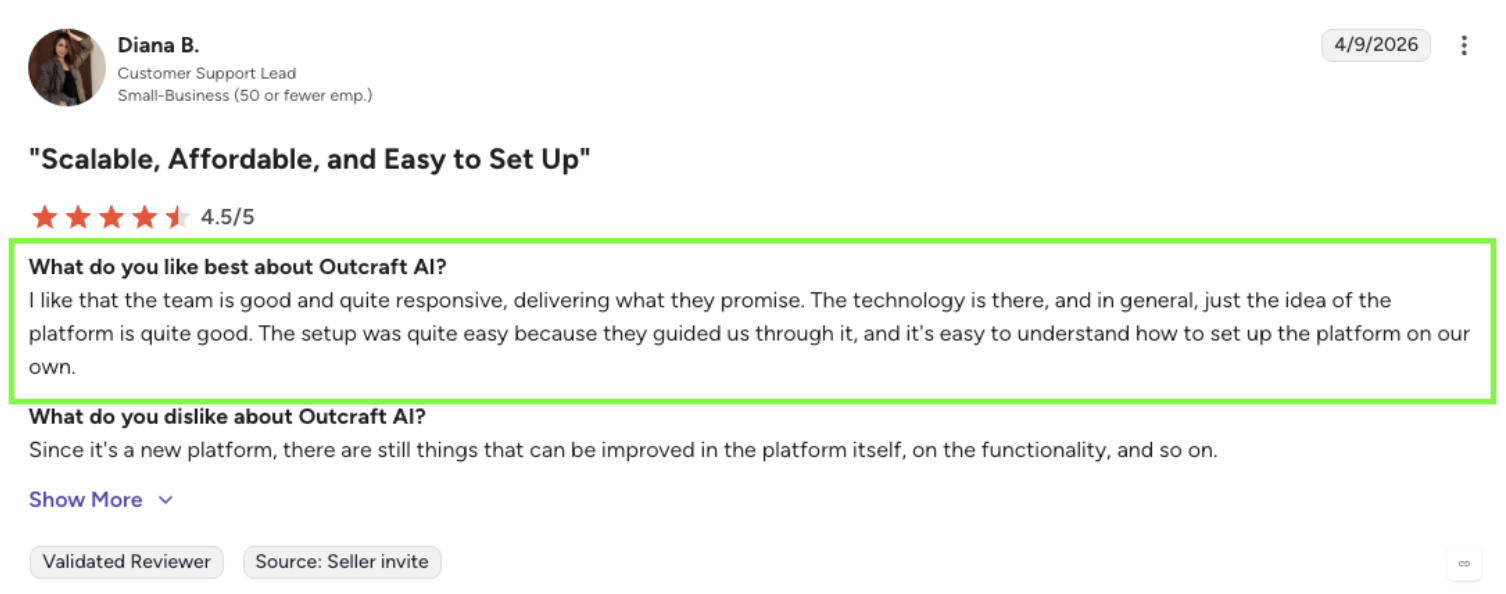
Outcraft's customer proof is strongest in its public success stories. Goth N’ Rock reports 14% abandoned cart recovery, $9k/month in additional upsell revenue, and a 57% increase in repeat customer rate. Warmy reports 5x more weekly sales meetings booked, about 15% higher trial-to-demo conversion, and first contact after signup in 5 minutes. These are first-party case-study signals, so treat them as customer proof rather than independent review-directory ratings.
Summary
Choose Outcraft AI when the leak is a live customer or lead moment that needs action across calls, SMS, email, and WhatsApp. It is the best fit in this list for operators who want more booked meetings, recovered sales, and retained customers from the demand they already have.
2. HubSpot Sales Hub
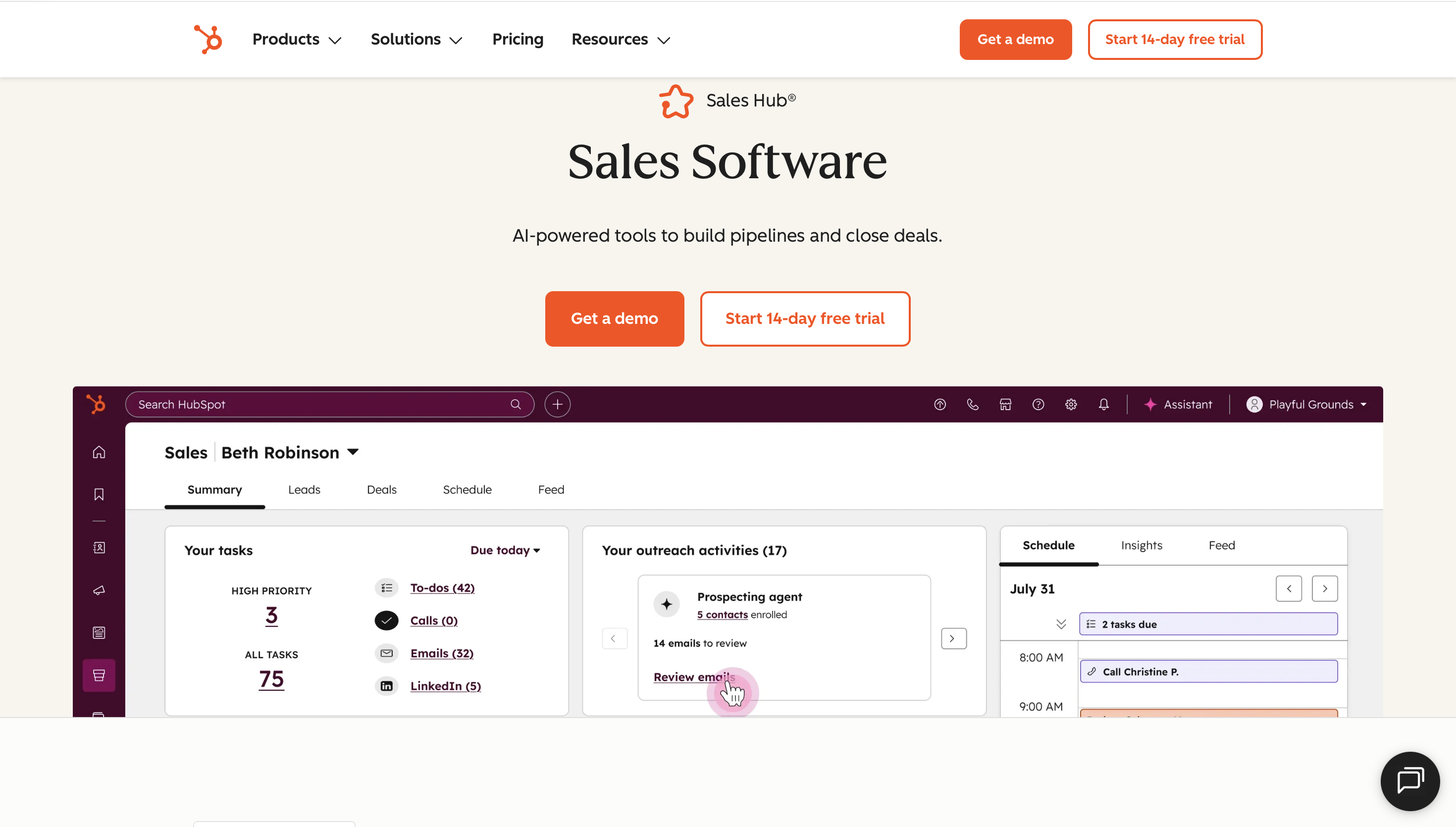
HubSpot Sales Hub is CRM-native sales automation software. It gives sales teams a system for contacts, deals, meetings, tasks, calling, email templates, sequences, forecasting, conversation intelligence, and sales analytics. HubSpot’s pricing page shows a free tier, Starter, Professional, and Enterprise plans, with Professional adding more serious sales automation and forecasting features.
How it helps
-
Keeps sales contacts, deals, tasks, and activity history in one CRM.
-
Automates repeat follow-up with templates, sequences, workflows, and task queues.
-
Gives managers pipeline views, reports, forecasting, and sales analytics.
-
Works well when marketing, sales, and service teams already share HubSpot data.
-
Reduces the need to stitch a lightweight CRM, meeting scheduler, and basic sales automation tool together.
Pros and Cons
Pros
-
Easy starting point for small and mid-market GTM teams.
-
Public pricing is clearer than many enterprise revenue platforms.
-
Broad ecosystem and many integrations.
-
Strong fit for teams that need CRM adoption before specialized RevOps tooling.
Cons
-
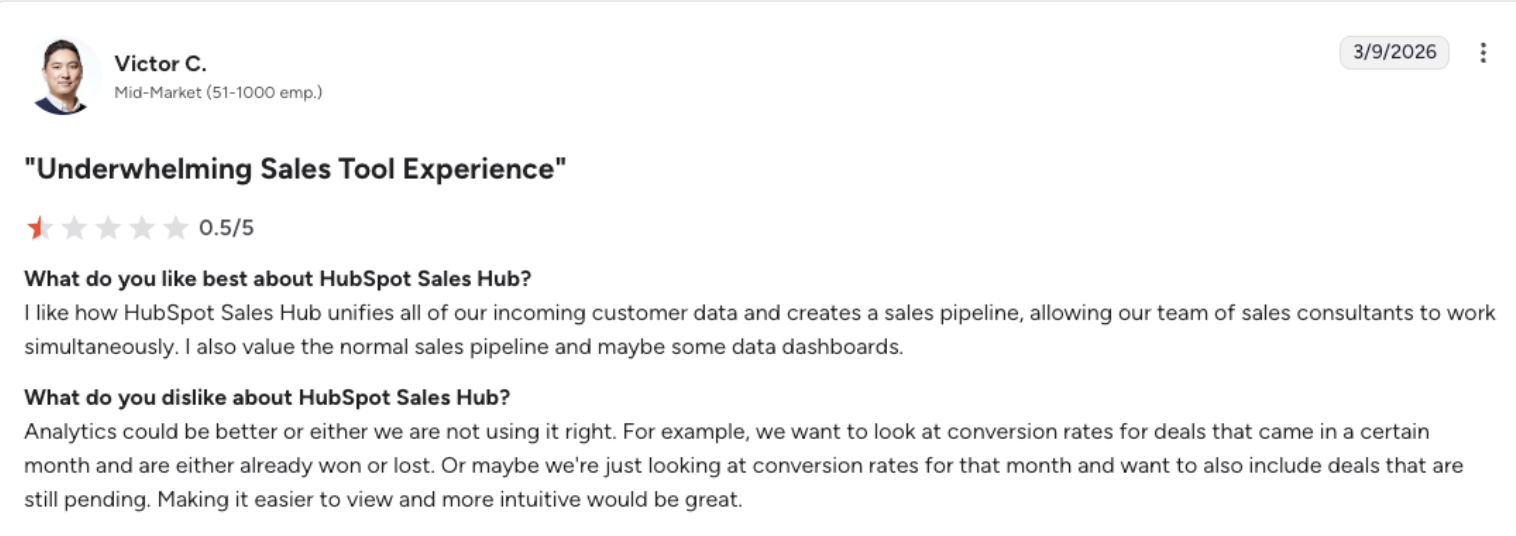
Advanced workflows, forecasting, sequences, analytics, and conversation intelligence sit in higher tiers.
-
Costs can rise as more users need Professional or Enterprise seats.
-
It manages the sales process well, but it does not replace AI voice follow-up, revenue recognition, AR automation, or ecommerce lifecycle tools.
Pricing
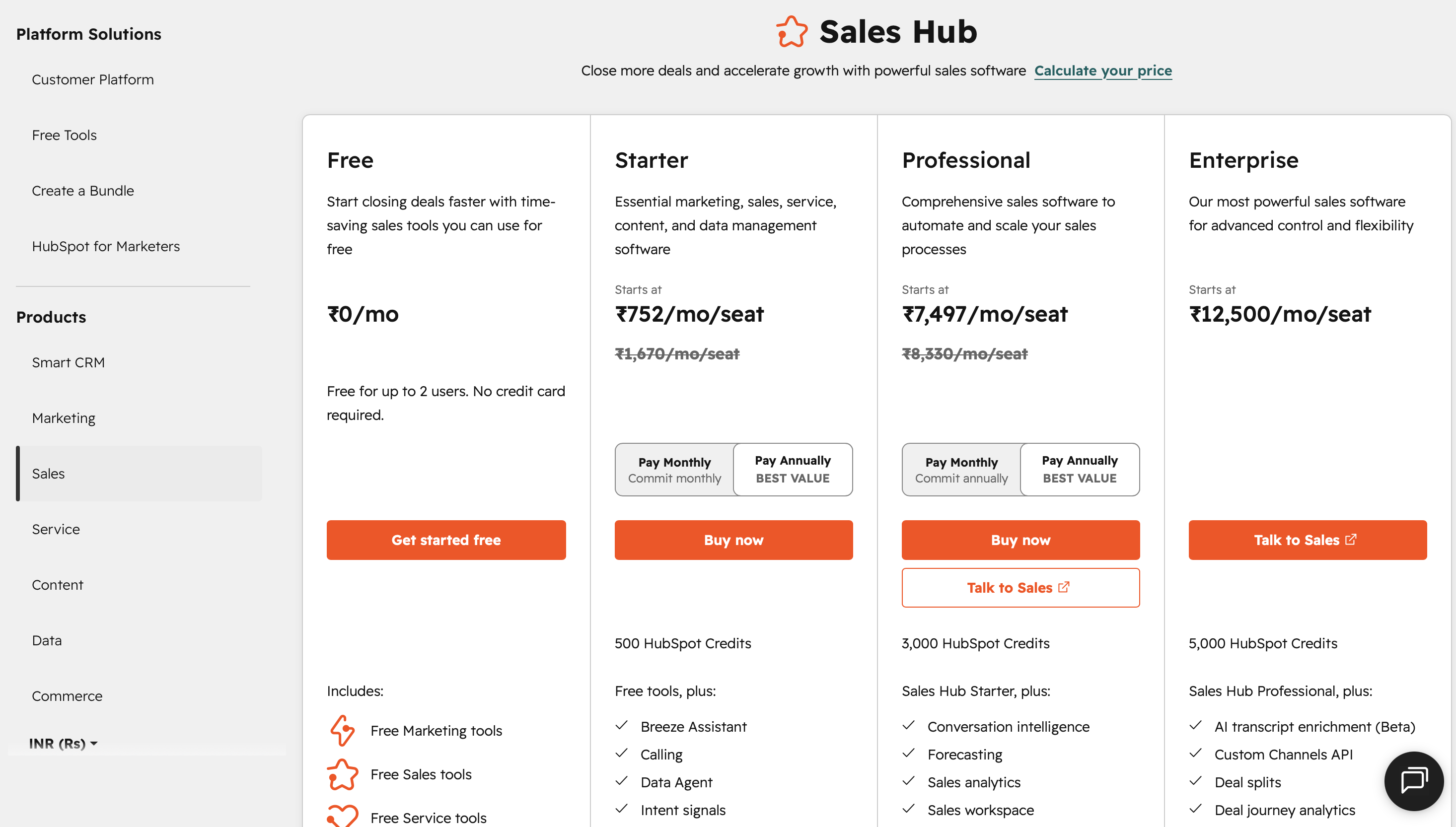
HubSpot Sales Hub has a free plan for up to two users. As of the pricing page checked for this draft, Starter is listed from $9/month/seat when billed annually, Professional from $90/month/seat when billed annually, and Enterprise from $150/month/seat. Professional and Enterprise also list the required onboarding fees.
Pricing can change, so confirm the current plan page before buying.
Reviews
HubSpot’s public G2 award page says Sales Hub ranked as a top Sales Product in G2’s 2024 Best Software Awards, which are driven by customer feedback.
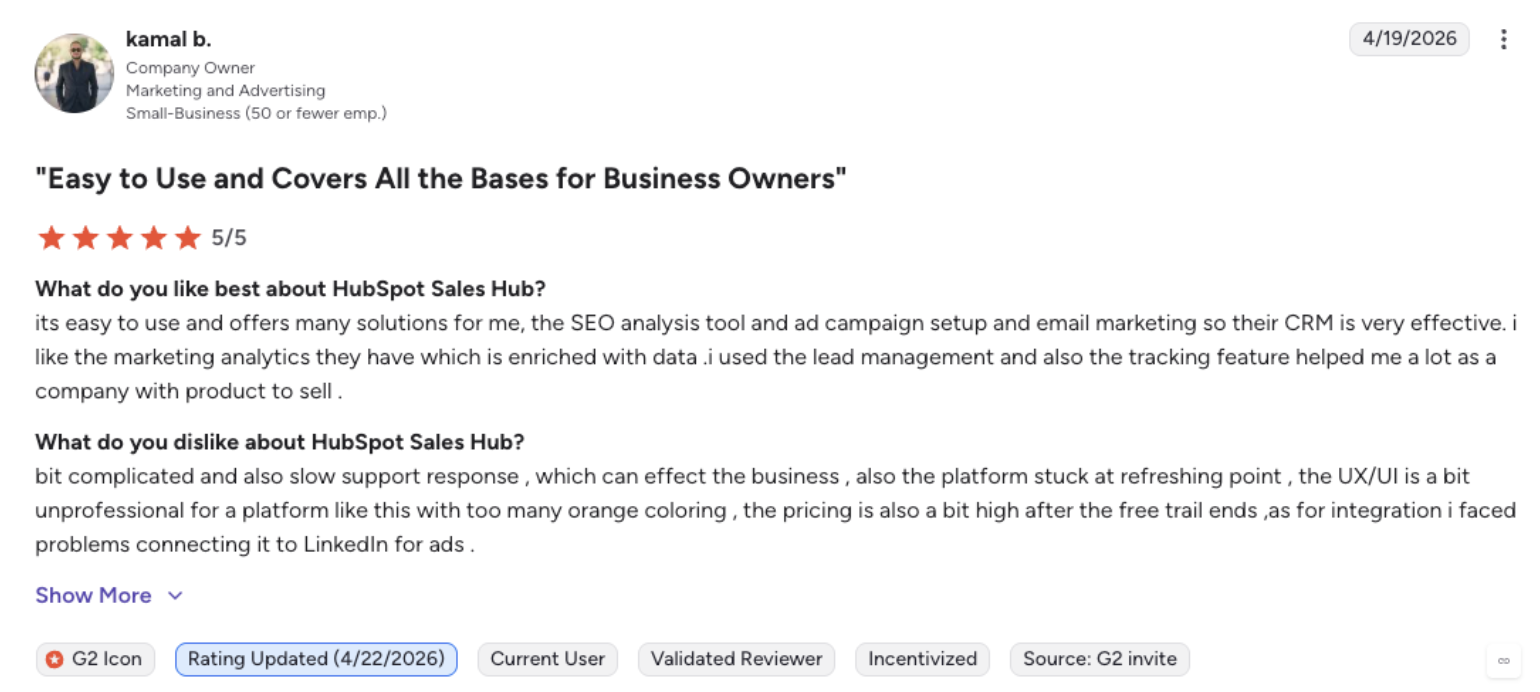
Third-party review summaries consistently point to ease of use, CRM tracking, meetings, and pipeline visibility as strengths, with pricing-tier jumps and seat management as common friction points.
Summary
Choose HubSpot Sales Hub when your revenue automation problem starts with CRM discipline: deals, tasks, meetings, sequences, and simple pipeline visibility. It is a practical first system for sales teams before they add more specialized revenue tools.
3. Salesforce Revenue Cloud
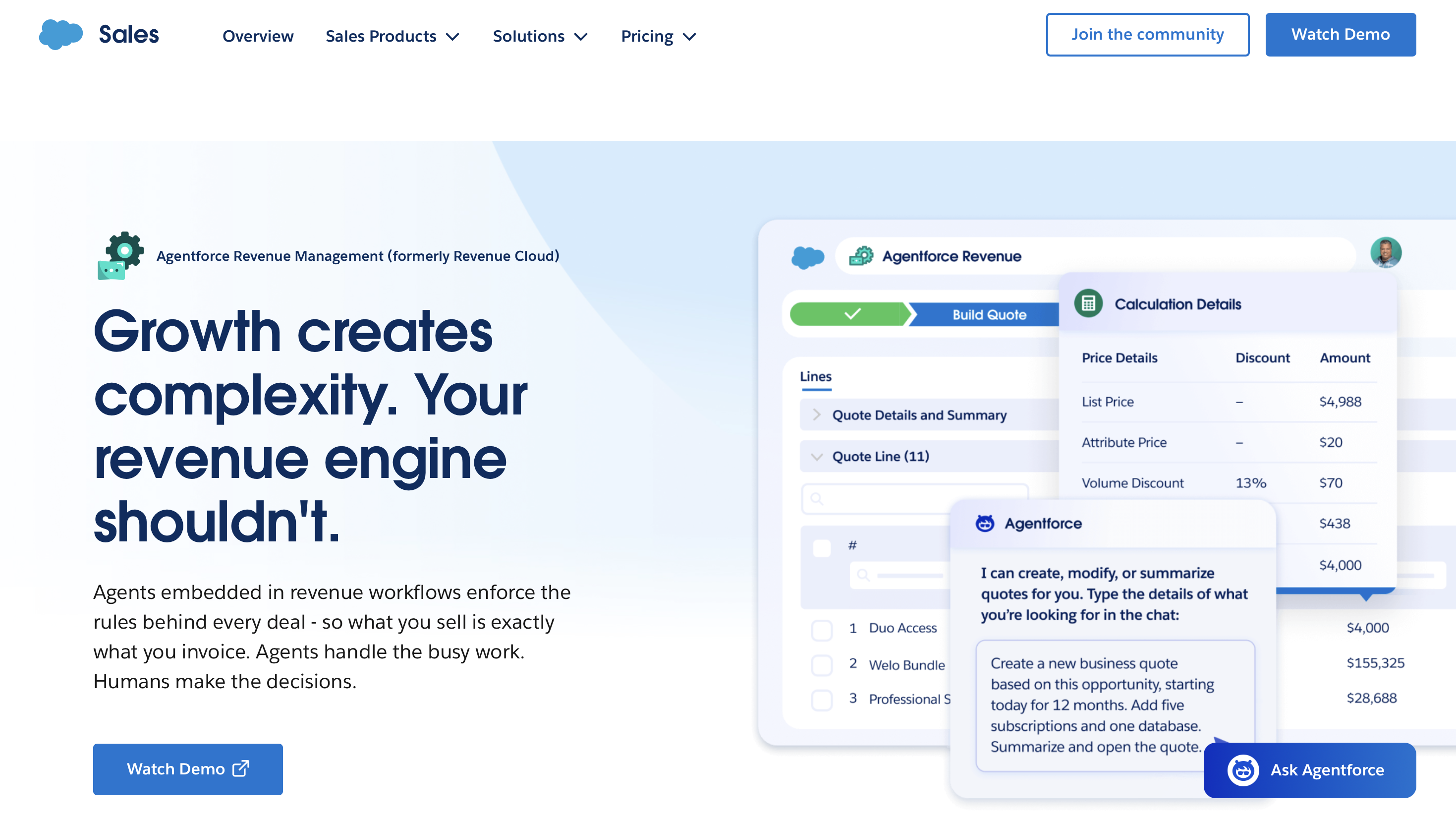
Salesforce now positions Revenue Cloud under Agentforce Revenue Management. It covers pricing, quoting, contracting, billing, subscription management, renewals, amendments, and revenue lifecycle workflows inside the Salesforce ecosystem. Salesforce describes the platform as a complete revenue platform for pricing, quoting, contracting, and billing across channels and revenue models.
How it helps
-
Helps sellers configure products, generate quotes, and route approvals.
-
Connects sales, legal, finance, and operations around quote-to-cash workflows.
-
Supports complex products, bundles, contract changes, renewals, and subscriptions.
-
Gives Salesforce-first companies one operating layer for customer, product, quote, contract, and billing data.
-
Helps reduce revenue leakage from bad handoffs between quoting, invoicing, and contract management.
Pros and Cons
Pros
-
Strong fit for enterprise teams already running Salesforce.
-
Handles quote-to-cash complexity that simpler sales tools cannot.
-
Connects revenue workflows to CRM, contracts, assets, billing, and analytics.
-
Useful when sales and finance need one source of truth for what was sold, changed, renewed, and billed.
Cons
-
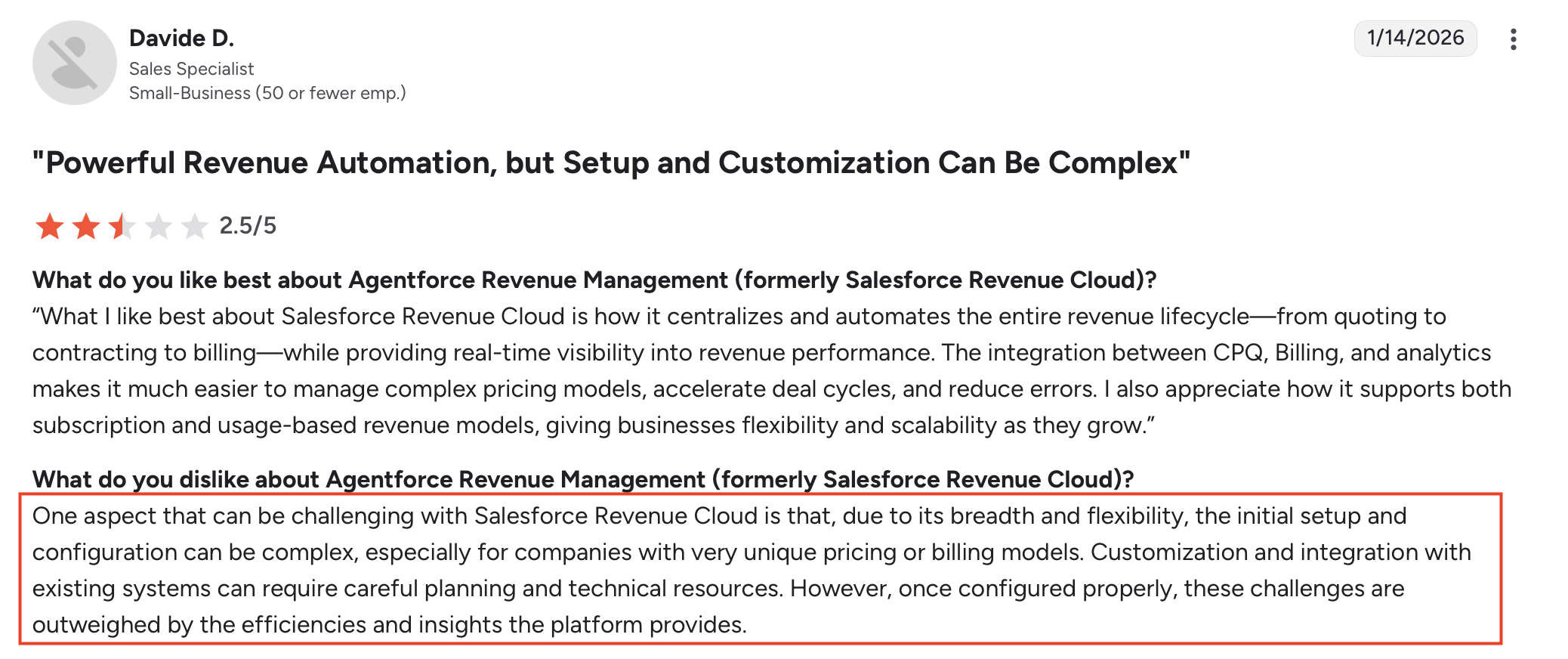
Implementation usually needs Salesforce admin, RevOps, and finance operations support.
-
Not the fastest path for lean teams that only need lead response or sales sequences.
-
Pricing is less transparent than self-serve SMB tools.
Pricing
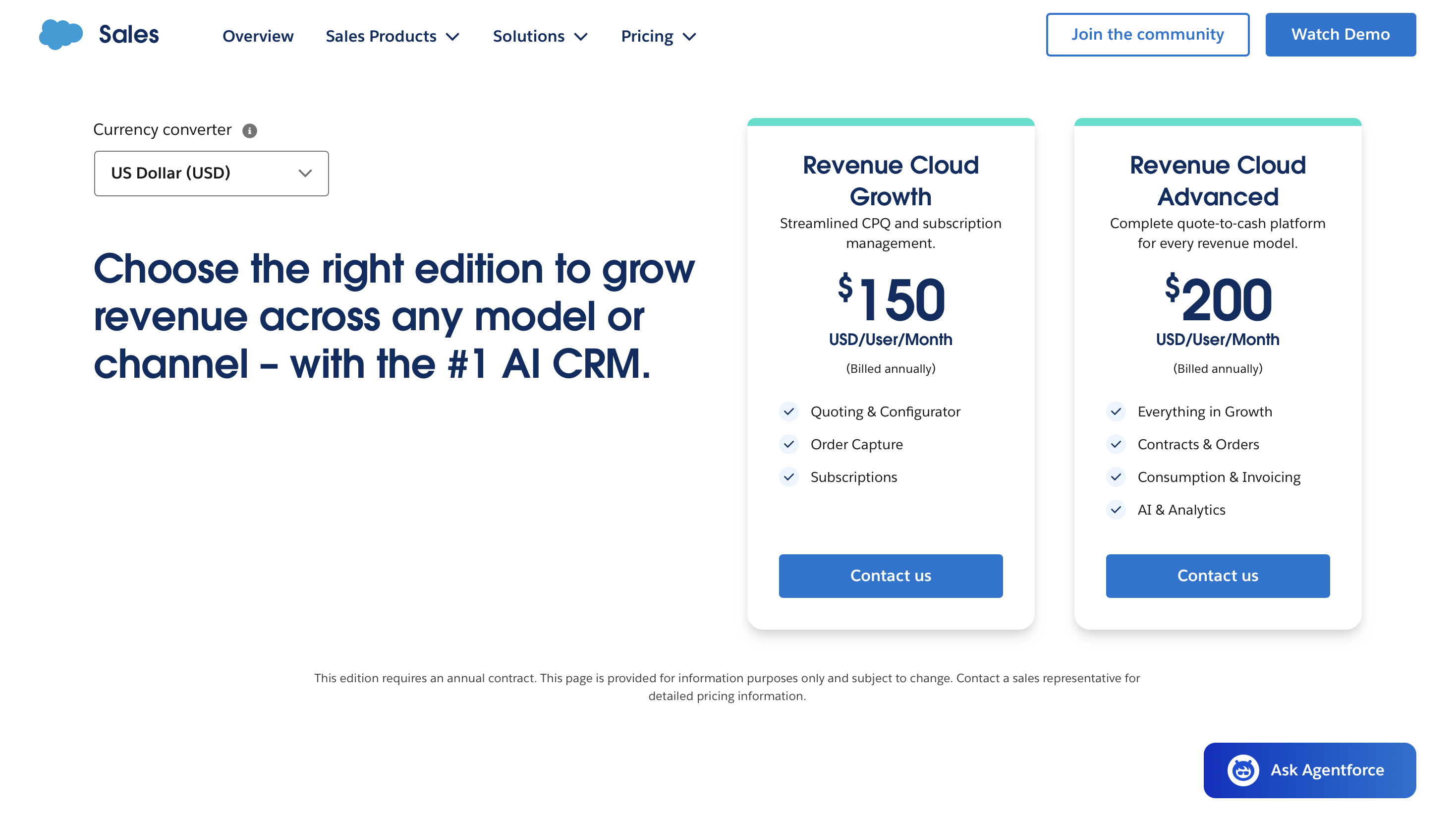
Salesforce Revenue Cloud pricing depends on editions, usage, modules, and contract structure. The product page routes buyers to talk to sales and find the right edition, while Salesforce also publishes rate-card PDFs for specific Revenue Cloud components. Treat pricing as quote-based unless Salesforce provides a current plan for your exact configuration.
Reviews
Public review-led RevOps research from G2 highlights Salesforce’s scale, forecasting, dashboard analytics, contact capture, and ecosystem depth, while noting that setup and ongoing configuration can be heavy for teams without admin resources.
Short Summary
Choose Salesforce Revenue Cloud when revenue automation means controlling quote-to-cash inside Salesforce. It is strongest when complex products, pricing, contracts, renewals, and billing handoffs create revenue leakage.
4. Clari
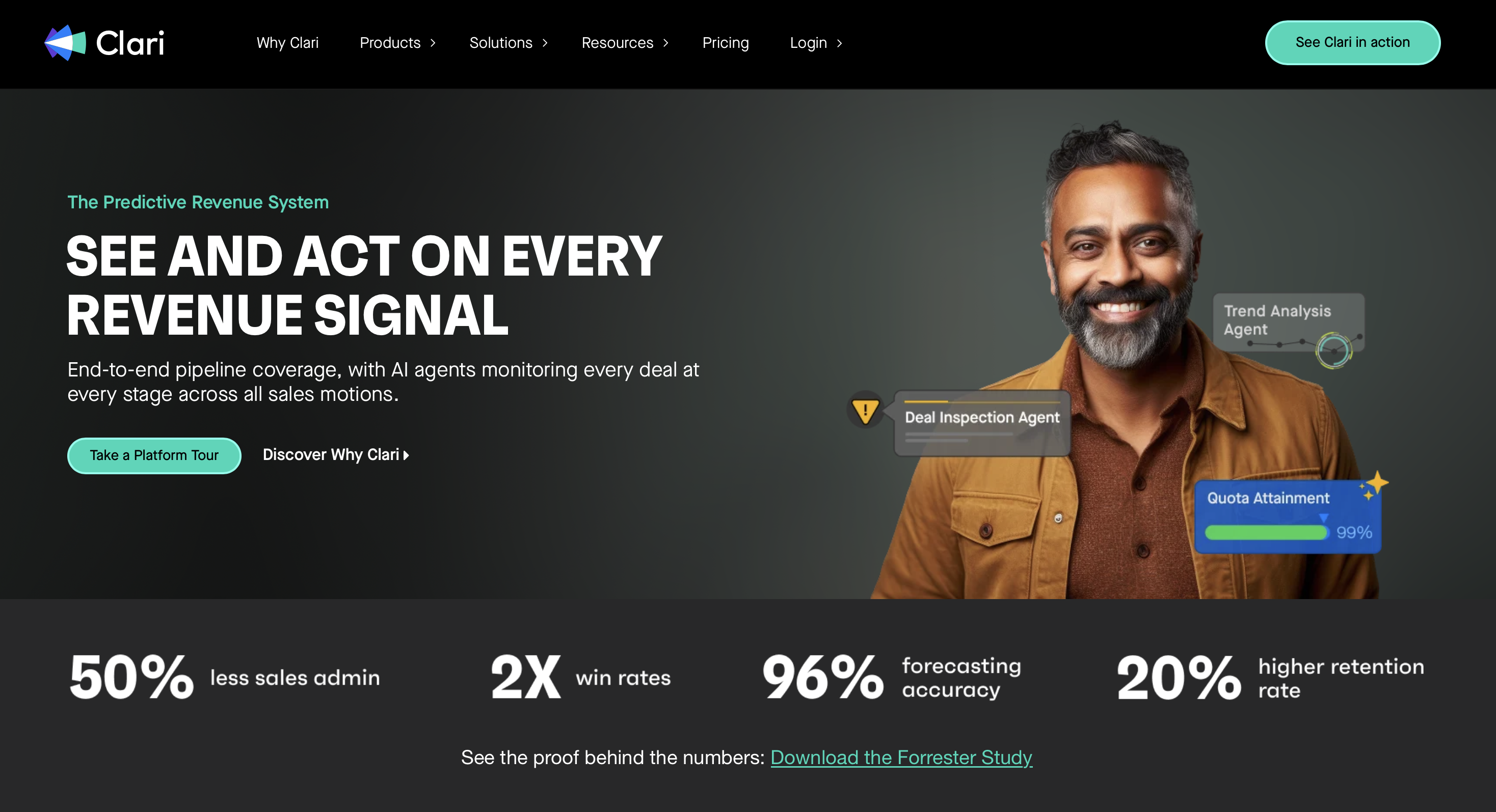
Clari is a revenue platform for forecasting, pipeline inspection, deal execution, and revenue intelligence. Its Forecast product is built for teams that need predictable revenue across different models, including subscription and consumption revenue. Clari says its forecast tool integrates with Salesforce and other revenue-critical systems to support aligned forecasting and pipeline management.
How it helps
-
Gives revenue leaders a clearer view of pipeline movement, risk, and forecast changes.
-
Helps managers run pipeline reviews with consistent deal data.
-
Reduces dependence on rep opinion during forecast calls.
-
Connects CRM and activity data to revenue cadence workflows.
-
Helps RevOps teams spot slips before the quarter is already missed.
Pros and Cons
Pros
-
Strong fit for B2B teams with complex pipeline and forecast needs.
-
Clear RevOps buyer and use case.
-
Useful when leadership needs pipeline inspection and forecast accountability.
-
Review-led sources show Clari as a trusted RevOps category tool.
Cons
-
It is not a front-line follow-up tool for leads, carts, failed payments, or churn conversations.
-
Setup requires RevOps process discipline.
-
Pricing is custom, and third-party estimates should be treated as estimates.
Pricing
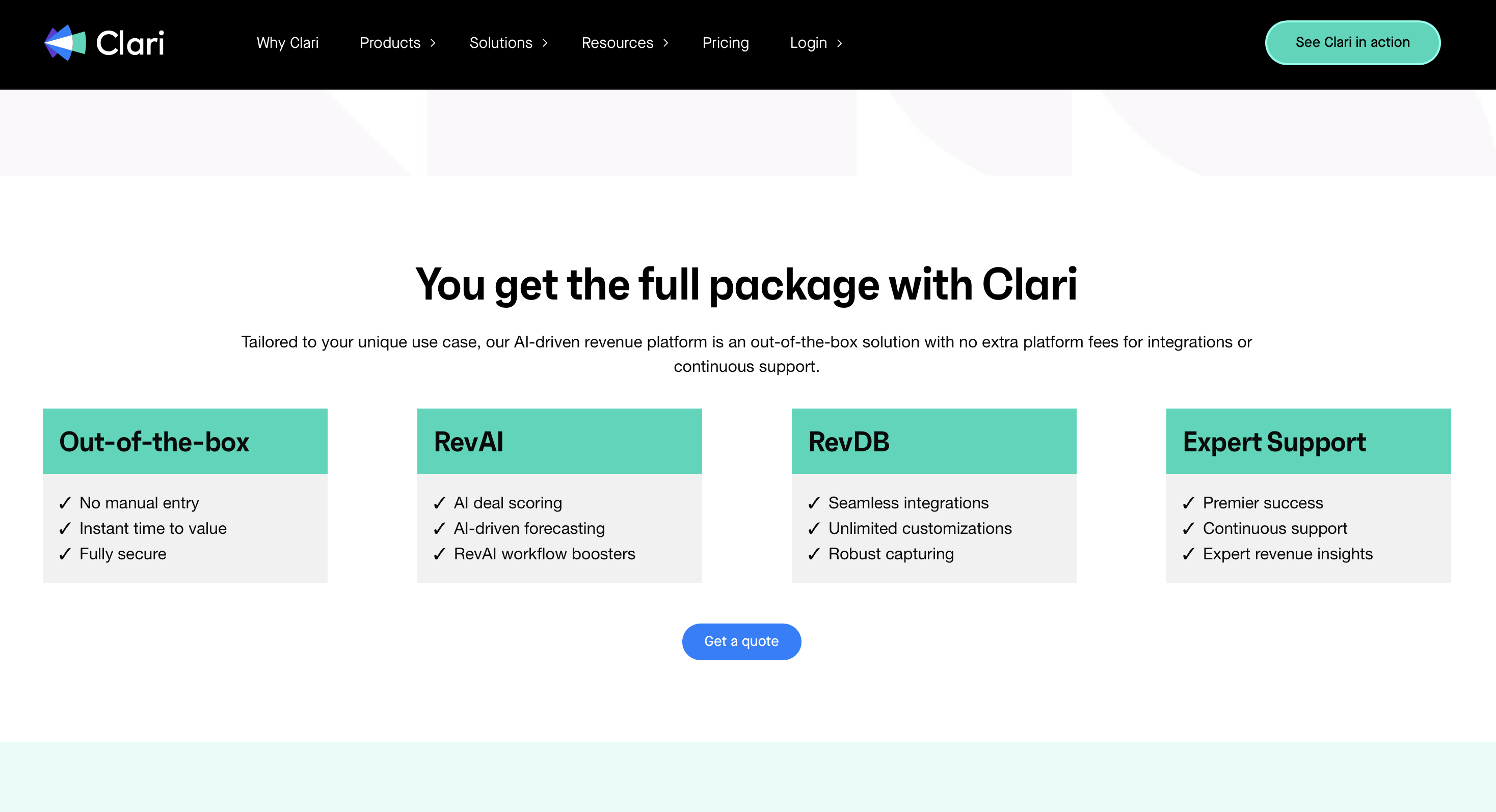
Clari does not publish simple self-serve pricing. The buying motion is demo/contact sales. Some third-party pricing guides estimate per-user and implementation costs, but those are not official Clari rates. Use them only for budget framing, then confirm directly with Clari.
Reviews
G2’s revenue operations software analysis lists Clari with a 4.6 out of 5 rating and describes it as especially popular with enterprise and mid-market teams. The same analysis highlights pipeline management, dashboard analytics, rep performance, ease of use, and setup effort as key review themes.
Short Summary
Choose Clari when the revenue leak is visible. It helps RevOps and revenue leaders see pipeline risk and forecast movement early enough to act.
5. Gong
Gong is a revenue intelligence and conversation intelligence platform. It captures customer interactions, maps them to business context, and helps teams analyze calls, meetings, emails, pipeline, coaching moments, and deal risk. Gong says its platform is trusted by more than 5,000 customers and displays a review count of 6,278 on its platform page.
How it helps
-
Records and analyzes sales calls, demos, emails, and meetings.
-
Turns customer conversations into searchable deal context.
-
Helps managers coach reps from what buyers actually said.
-
Surfaces deal with risks, competitor mentions, and engagement gaps.
-
Gives revenue leaders a cleaner view of rep behavior and deal reality than CRM notes alone.
Pros and Cons
Pros
-
Strong user-review footprint and mature conversation intelligence category position.
-
Useful for sales coaching, call analysis, onboarding, and deal inspection.
-
Integrates with common revenue systems such as Salesforce, HubSpot, Zoom, Teams, Slack, and Microsoft tools.
-
Helps teams learn from real conversations instead of relying only on rep updates.
Cons
-
It analyzes and orchestrates revenue work, but it does not replace a tool that calls new leads or recovers carts.
-
Pricing is not public and is often enterprise-oriented.
-
Insights still need a rep, manager, or connected workflow to take action.
Pricing
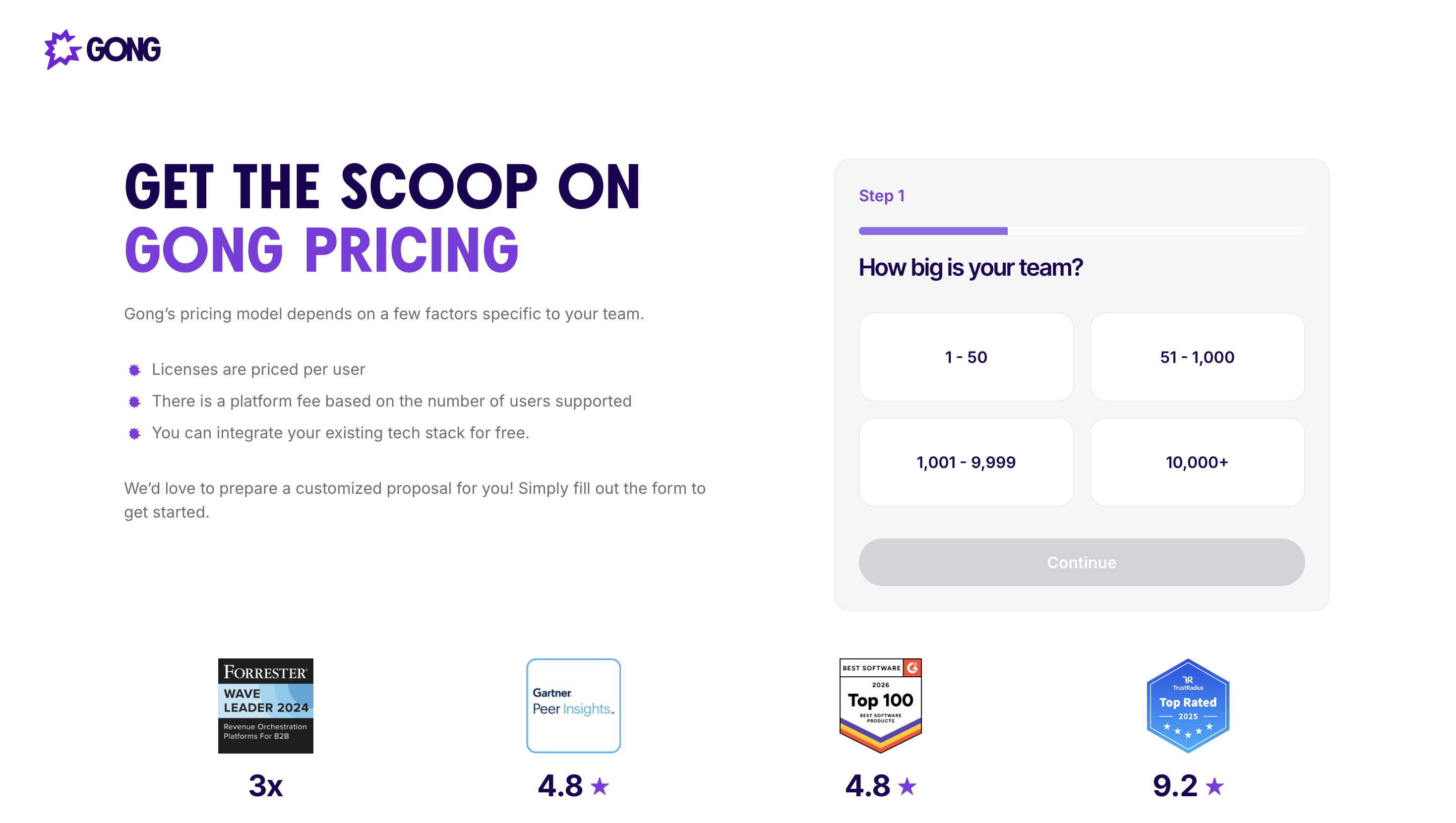
Gong does not publish straightforward self-serve pricing on its platform page. Treat it as contact-sales pricing and confirm seat counts, platform fees, contract terms, and required modules during procurement.
Reviews
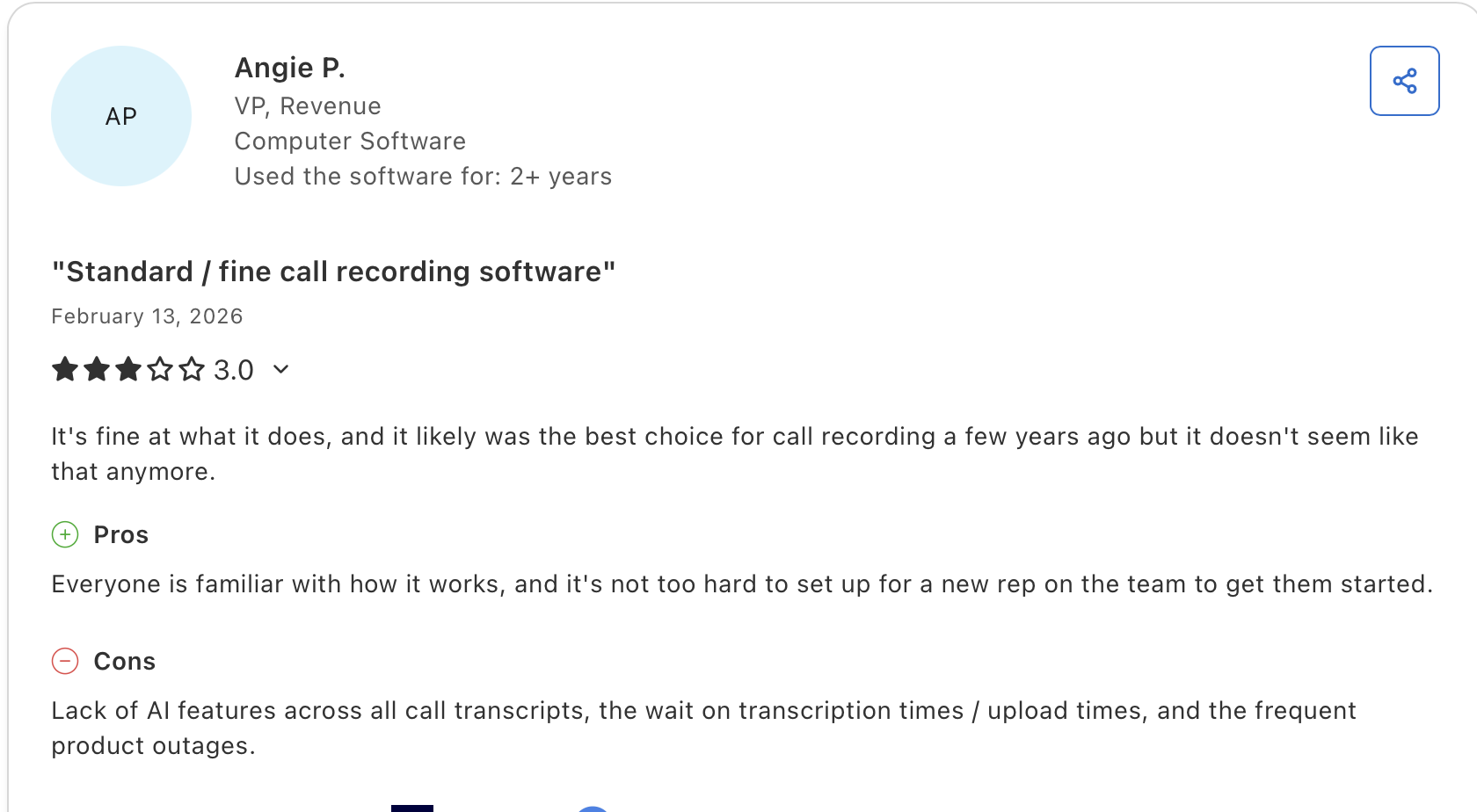
G2’s revenue operations software analysis lists Gong with a 4.8 out of 5 rating and highlights conversation intelligence, calendar sync, email activity capture, ease of use, support, and setup as strong review signals. Review analyses also frequently mention cost and contract complexity as buyer concerns.
Short Summary
Choose Gong when your revenue moments are already happening in calls and meetings, but the learning is trapped in recordings, notes, and rep memory. It is best for coaching, conversation intelligence, and deal inspection.
Revenue automation software comparison across action, analytics, finance, and lifecycle tools
6. RightRev
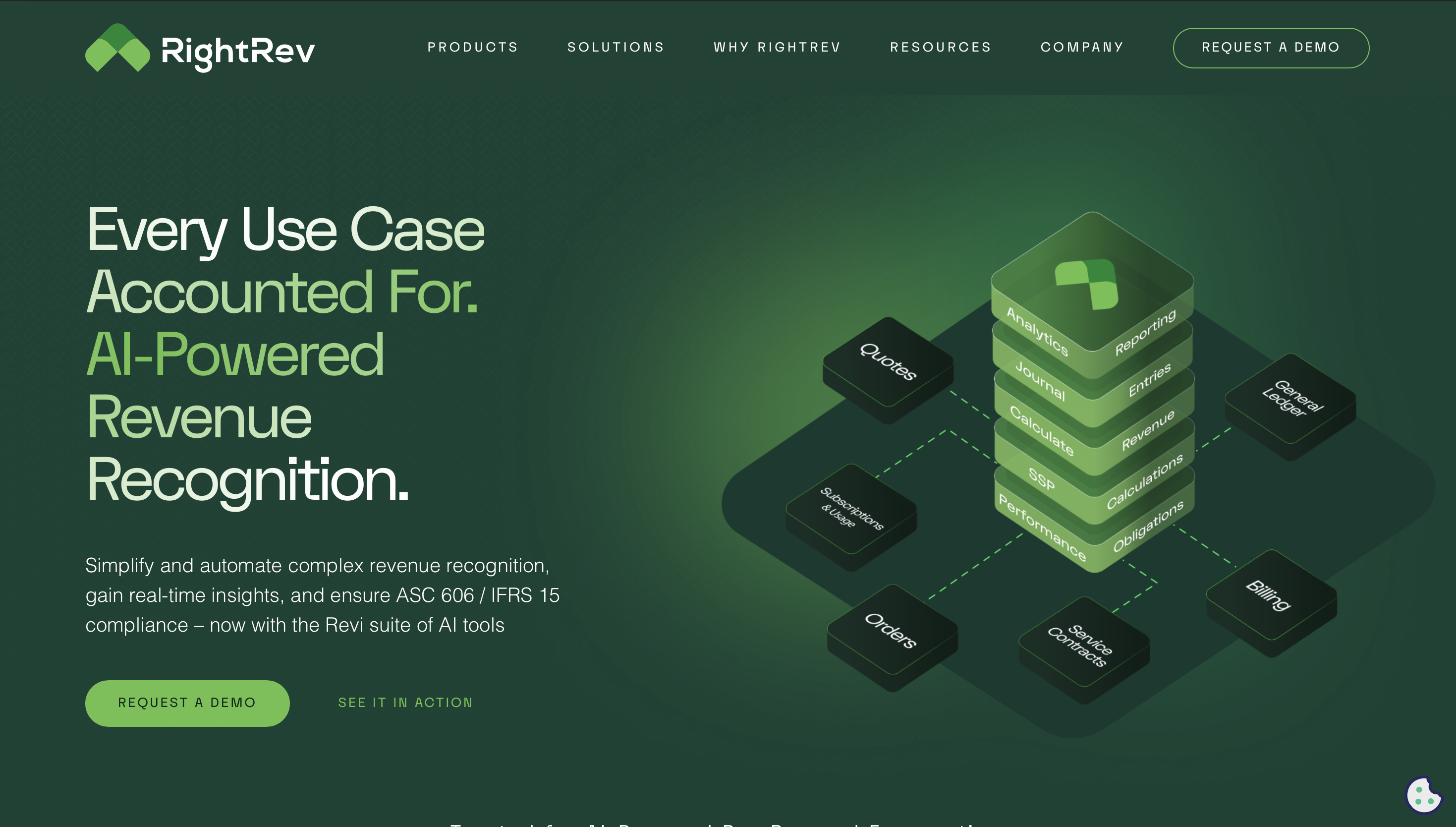
RightRev is revenue accounting automation software for finance teams. It helps manage revenue contracts, recognition schedules, policy logic, waterfalls, compliance, and revenue subledger workflows. It frames the category around ASC 606 and IFRS 15, spreadsheet reduction, disclosure support, performance obligations, and audit-ability.
How it helps
-
Moves revenue recognition out of manual spreadsheets.
-
Automates policy-driven revenue treatment across contracts and transactions.
-
Creates revenue schedules, waterfall reporting, and audit trails.
-
Supports finance teams that need compliant ASC 606 and IFRS 15 workflows.
-
Helps accounting teams reduce manual re-entry between CRM, billing, ERP, and the general ledger.
Pros and Cons
Pros
-
Strong fit for finance and accounting teams with complex revenue recognition.
-
Built for compliance, audit trails, and policy logic.
-
Better fit than CRM tools when the leak is close speed, recognition accuracy, or manual finance work.
-
RightRev says it can process very high transaction volumes, which matters for complex finance operations.
Cons
-
Not a sales engagement, CRM, conversation intelligence, or ecommerce lifecycle platform.
-
Better suited for finance complexity than simple starter businesses.
-
Public pricing is not self-serve.
Pricing
RightRev routes you toward demos and sales conversations rather than public plan pricing. Use contact-sales language and validate scope based on transaction volume, systems, and accounting complexity.
Reviews
RightRev has more vendor-authored product and buyer-guide material available than the broad public review directory volume. For that reason, use its public pages for feature and category fit, and ask for reference customers, implementation examples, and audit-readiness proof during procurement.
Short Summary
Choose RightRev when revenue automation means accurate revenue accounting, not more sales follow-up. It belongs on the shortlist when spreadsheet-based recognition logic, audit risk, and close effort are the problems.
7. Maxio
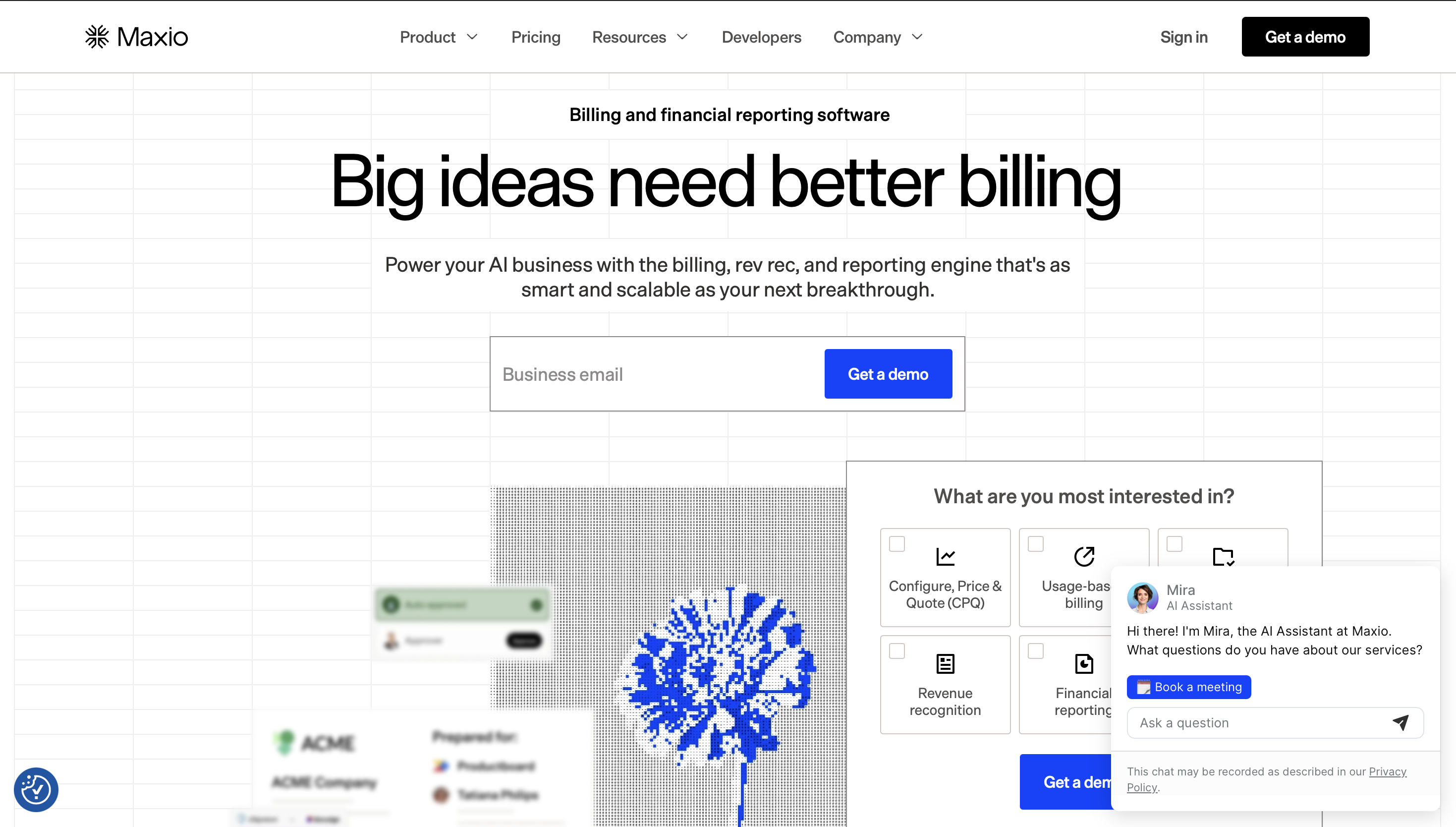
Maxio is built for SaaS finance teams managing subscription billing, revenue recognition, SaaS metrics, AR, collections, and reporting. Its finance page describes workflows for revenue recognition, collections, financial reporting, SaaS metrics, CRM and GL integrations, and audit-ready reporting.
How it helps
-
Connects billing events, subscription changes, revenue recognition, and SaaS metrics.
-
Tracks metrics such as MRR, churn, LTV, and related subscription reporting.
-
Automates invoice management, dunning schedules, collections, and CRM/GL sync.
-
Helps SaaS finance teams reduce spreadsheet work and prepare investor-grade reports.
-
Supports product-led and sales-led SaaS models where billing and revenue data need to stay aligned.
Pros and Cons
Pros
-
Strong fit for SaaS subscription finance.
-
Covers billing, revenue recognition, metrics, and AR in one finance-oriented platform.
-
Public Maxio page shows many G2-linked customer review snippets.
-
More focused on SaaS finance than a generic CRM or e-commerce tool.
Cons
-
Less relevant for non-SaaS teams.
-
Not a live conversation automation tool for lead response or cart recovery.
-
Complex billing and finance setup still requires careful implementation.
Pricing
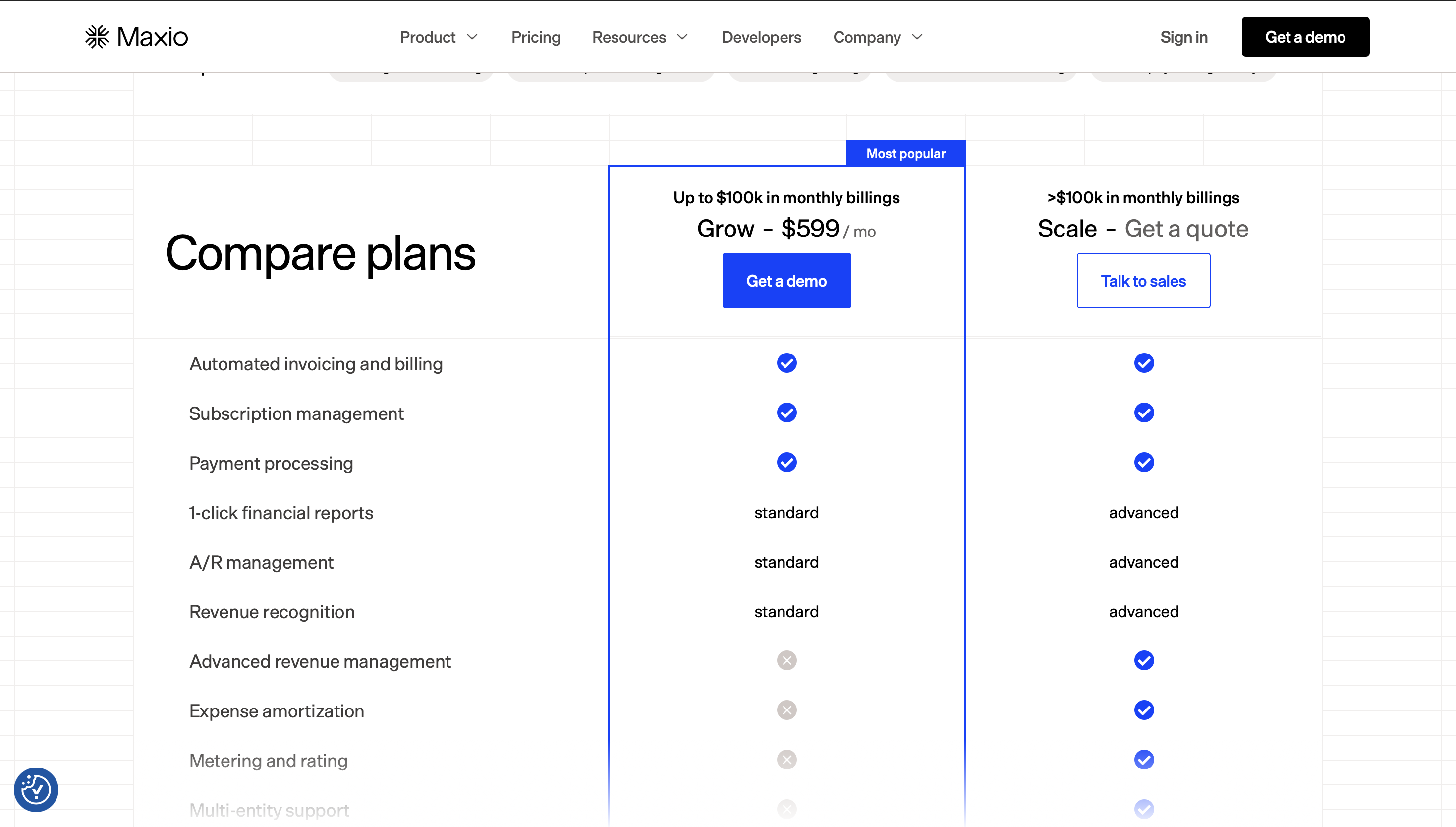
Maxio publishes Grow pricing at $599/month for teams with up to $100k in monthly billings, while Scale is quote-based for higher-volume or more complex needs. Treat third-party directory pricing as directional only and confirm current pricing directly, because finance modules, billing complexity, usage, and implementation scope can change the final quote.
Reviews
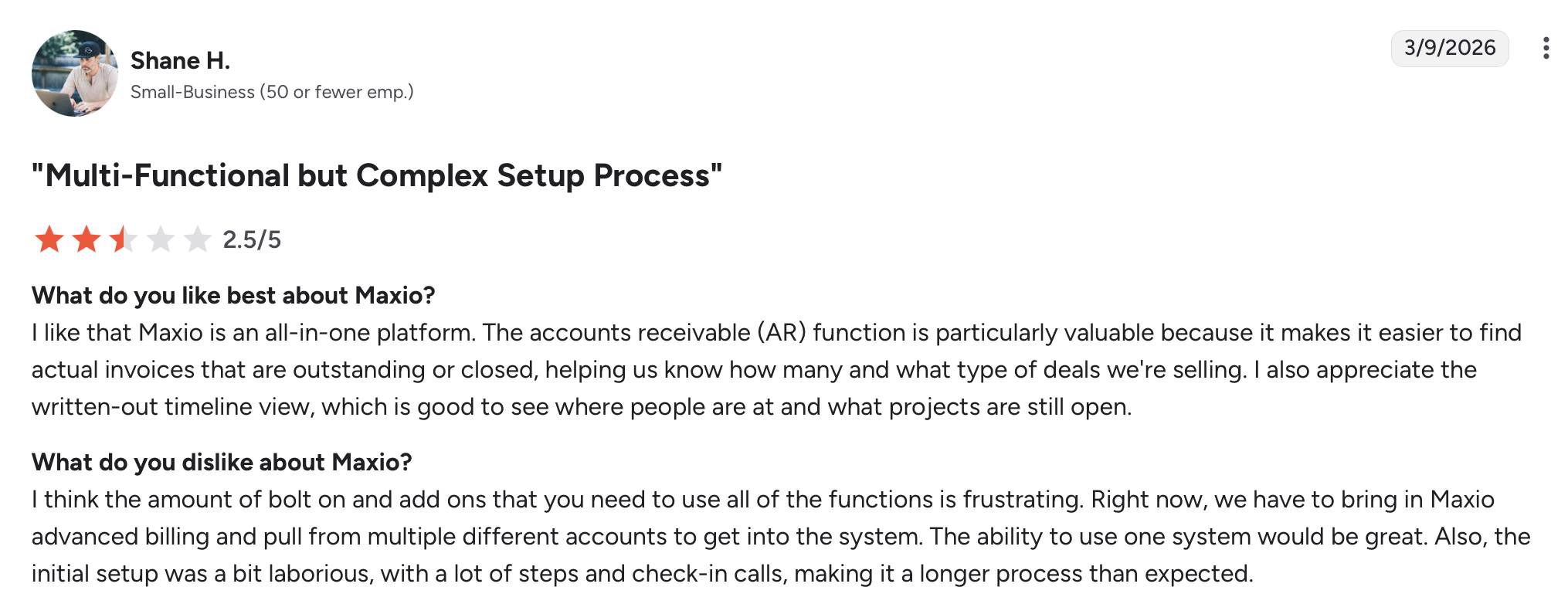
Maxio’s finance page links to a G2 profile showing a 4.3 rating from 777 reviews and features review themes around reducing manual revenue recognition, improving reporting, integrating with CRM/GL systems, and speeding up close. Software Advice also shows a 4.3 overall rating and review themes around recurring billing, reporting, support, and complexity.
Short Summary
Choose Maxio when the revenue leak sits in SaaS finance operations: subscription billing, revenue recognition, metrics, collections, and board-ready reporting.
8. HighRadius
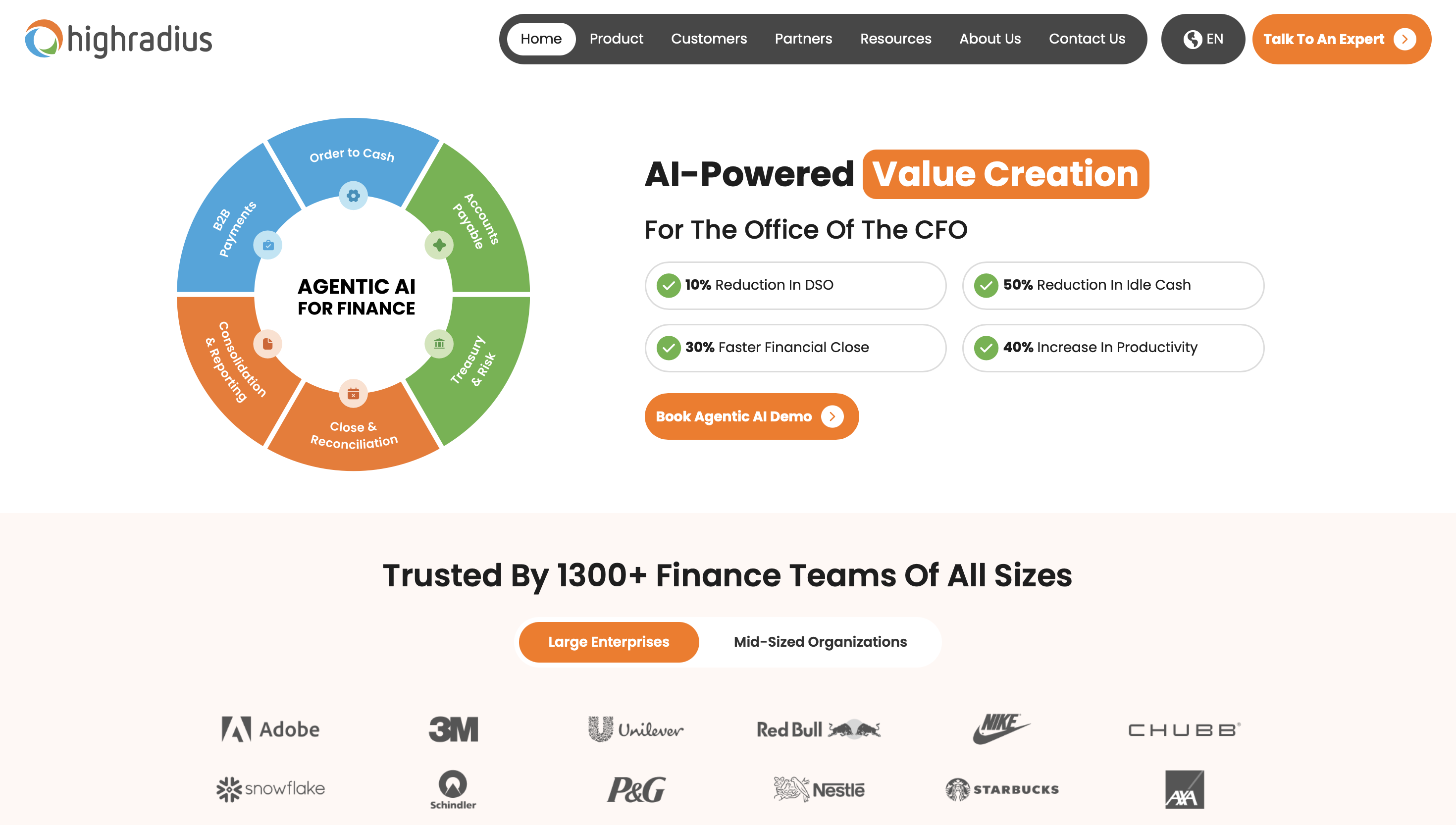
HighRadius is accounts receivable automation software for enterprise finance teams. Its AR product covers collections, cash application, deductions, credit, invoice-to-cash workflows, customer self-service, ERP integration, and real-time AR analytics.
How it helps
-
Prioritizes collections worklists so collectors focus on the right accounts.
-
Automates payment matching and remittance handling.
-
Tracks deductions, disputes, credit risk, and invoice status.
-
Gives finance leaders visibility into aging, DSO, cash flow, and receivables risk.
-
Helps high-volume teams reduce manual AR work without adding linear headcount.
Pros and Cons
Pros
-
Deep AR and invoice-to-cash automation suite.
-
Strong fit for enterprise teams with high transaction volume and complex collections.
-
Covers collections, cash application, deductions, credit, and analytics.
-
Software Advice notes recognition by Gartner, IDC, and Forrester in its profile summary.
Cons
-
Likely too heavy for simple SMB invoicing.
-
Implementation can require finance, IT, ERP, and process ownership.
-
It is not a CRM, lead response, or e-commerce lifecycle tool.
Pricing
HighRadius pricing is available upon request. Software Advice lists HighRadius Accounts Receivable pricing as “connect with an advisor” and no public plan information.
Reviews
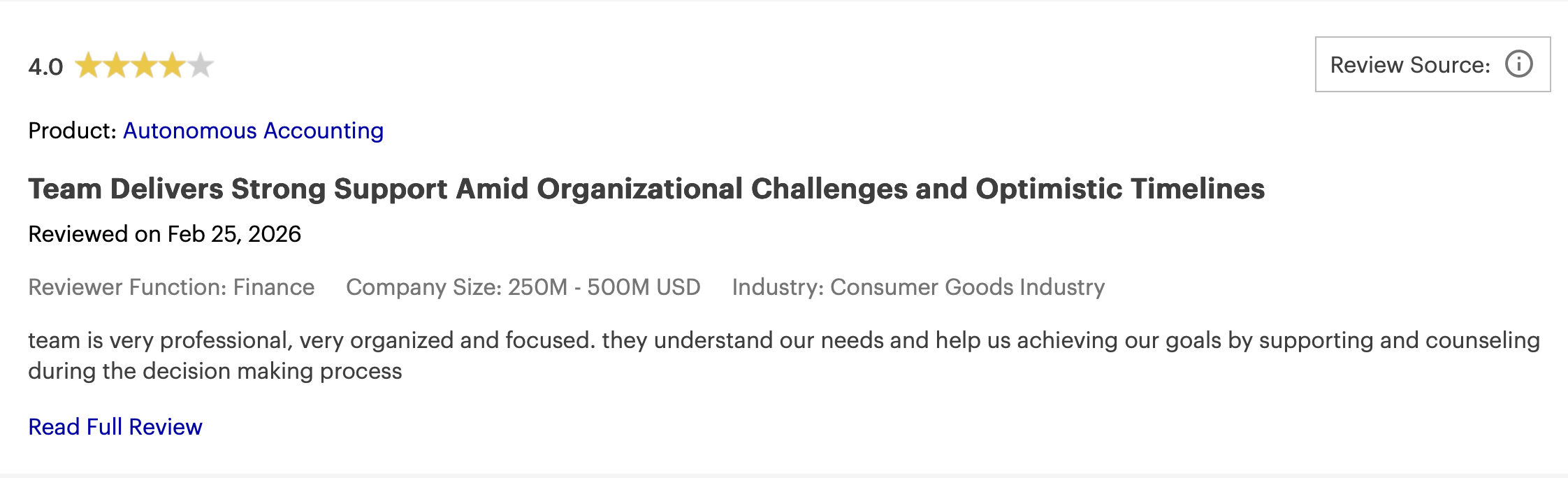
Software Advice lists HighRadius Accounts Receivable with a 4.4 overall rating from 13 reviews and secondary ratings for ease of use, value for money, support, and functionality. The small review count means you should treat the rating as useful but not exhaustive. Pair it with demos, references, implementation timelines, ERP fit, and module-level proof.
Short Summary
Choose HighRadius when revenue is earned but cash is stuck in invoices, disputes, deductions, remittance matching, and manual collections work.
9. Klaviyo
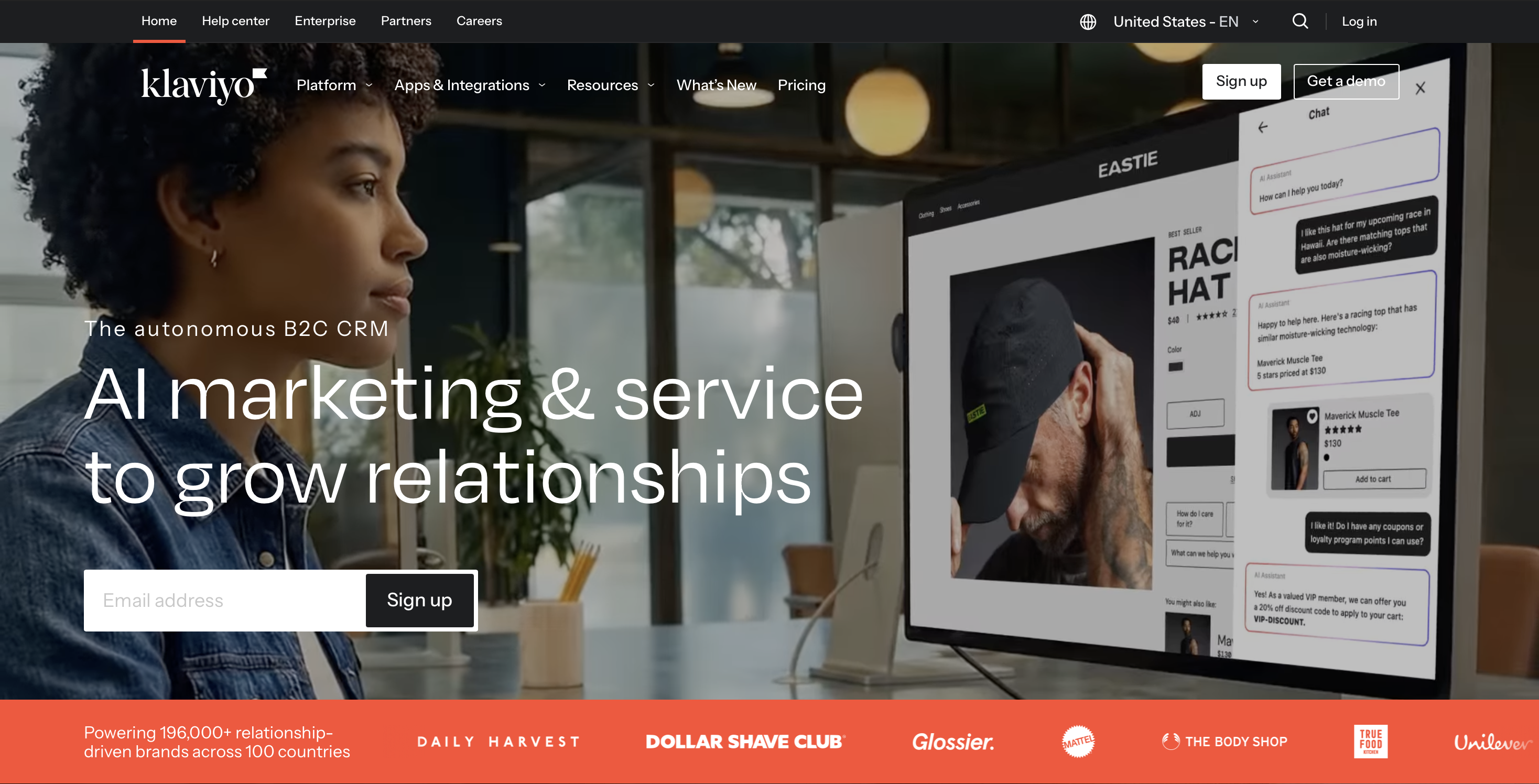
Klaviyo is an e-commerce marketing automation software for email, SMS, segmentation, customer profiles, forms, analytics, and lifecycle flows. It offers, email marketing, text message credits, customer hub, reporting, and ecommerce integrations such as Shopify, WooCommerce, BigCommerce, Wix, Adobe Commerce, and PrestaShop.
How it helps
-
Runs abandoned cart, browse abandonment, post-purchase, winback, and repeat-purchase flows.
-
Segments customers by behavior, purchase history, predicted value, and engagement.
-
Sends revenue-focused campaigns across email and SMS.
-
Gives ecommerce teams attribution and reporting for campaigns and automated flows.
-
Integrates closely with common commerce platforms.
Pros and Cons
Pros
-
Strong ecommerce fit, especially for Shopify-style DTC brands.
-
Deep segmentation and behavioral automation.
-
Public free plan makes testing easier than contact-sales-only tools.
-
Good fit for lifecycle teams that need email and SMS revenue workflows.
Cons
-
Not built for AI voice calls, B2B sales qualification, RevOps forecasting, finance automation, or AR.
-
Costs can rise with list size and message volume.
-
Static email/SMS flows may miss high-intent moments where a live call or WhatsApp conversation would recover more revenue.
Pricing
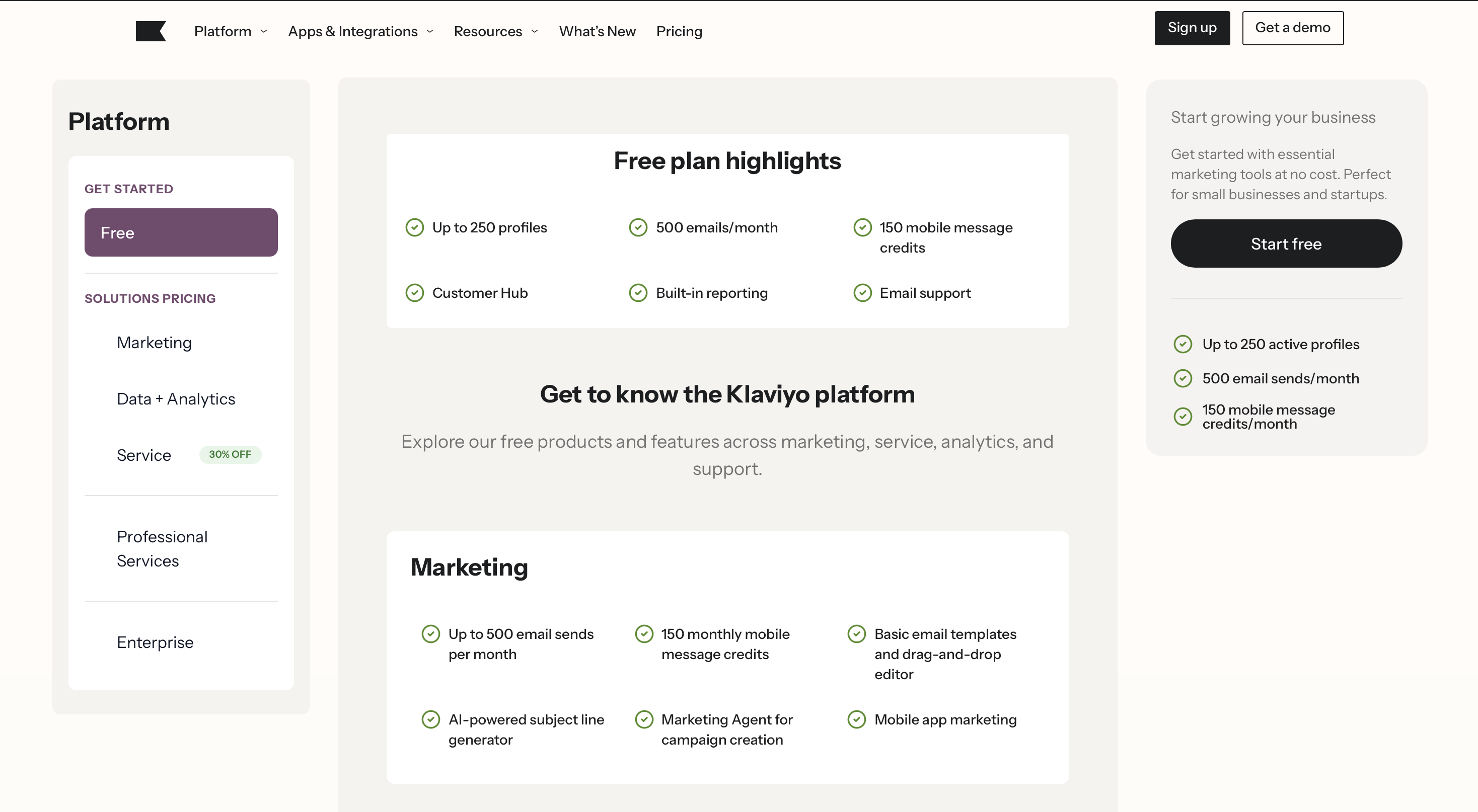
Klaviyo has a free plan. Its pricing varies by active profiles, email volume, SMS usage, and plan mix. Third-party 2026 pricing summaries commonly show entry paid plans in the $20 to $35/month range for small lists, but buyers should use Klaviyo’s current pricing calculator for exact costs.
Reviews
Public review summaries show Klaviyo is consistently praised for ecommerce segmentation, Shopify integration, automation, and revenue attribution. They also commonly flag pricing at scale, learning curve, and support as concerns. One 2026 review aggregator reports G2 and Capterra ratings at 4.6 out of 5, while Trustpilot is lower, which suggests strong product satisfaction among business-software reviewers but more billing/support frustration in consumer-style reviews.
Short Summary
Choose Klaviyo when the core revenue moment is ecommerce lifecycle messaging through email and SMS. Pair it with Outcraft AI when high-intent shoppers or customers need voice, WhatsApp, or more persistent recovery.
How These Tools Fit Together in a Revenue Stack
Do not buy nine tools for one problem. This list spans several buyer categories, so the right stack depends on where revenue leaks.
Common pairings:
-
Outcraft AI + HubSpot: inbound lead response, qualification, routing, and booked meetings on top of CRM records.
-
Outcraft AI + Klaviyo: ecommerce lifecycle flows plus voice, SMS, email, and WhatsApp recovery for high-intent moments.
-
Salesforce Revenue Cloud + RightRev: quote-to-cash control connected to revenue accounting automation.
-
Clari + Gong: forecast visibility plus conversation intelligence for B2B revenue leadership.
-
Maxio + Salesforce or HubSpot: subscription finance connected to CRM and sales order data.
-
HighRadius + ERP: invoice-to-cash automation for enterprise AR teams.
Overlap creates waste when teams buy a reporting tool for an action problem, a sales tool for a finance problem, or a finance tool for a customer conversation problem. If the buyer has not named the leak, the software shortlist will be messy.
Revenue Automation Software Buying Checklist
Use this checklist before a demo.
Data and integrations
Ask which systems the tool reads from and writes to: CRM, ecommerce platform, billing system, ERP, payment processor, marketing automation platform, call system, SMS, WhatsApp, email, calendar, and data warehouse.
Action vs reporting
Ask whether the tool only surfaces risk or also acts on it. For example, Clari can show pipeline risk. Gong can show what happened in a call. Outcraft AI can follow up with a lead or shopper. HighRadius can prioritize collections. Those are different operating motions.
Buyer ownership
Name the internal owner before buying. Sales owns lead response and CRM follow-up. RevOps owns forecast and pipeline hygiene. Finance owns billing, revenue recognition, and reporting. AR owns cash collection. Lifecycle owns e-commerce messaging. Shared ownership is fine, but unclear ownership kills adoption.
Proof to request
Ask each vendor for proof tied to your leak:
-
Time to first response.
-
Meetings booked.
-
Trial-to-demo conversion.
-
Recovered carts or payments.
-
Forecast accuracy.
-
Close speed.
-
Days' sales outstanding.
-
Manual hours saved.
-
Revenue recognition accuracy.
-
Repeat purchase or retention lift.
FAQs About Revenue Automation Software
What is revenue automation software?
Revenue automation software helps teams detect a revenue moment and trigger the next action. Depending on the category, that action may be a call, SMS, email, WhatsApp message, sales sequence, quote, contract workflow, revenue recognition schedule, collections reminder, or e-commerce lifecycle flow.
Is revenue automation the same as RevOps software?
No. RevOps software is one part of the broader revenue automation landscape. RevOps tools usually focus on pipeline, forecasting, data quality, activity capture, and revenue operating rhythm. Revenue automation can also include AI conversation automation, quote-to-cash, revenue accounting, subscription finance, AR, collections, and ecommerce retention.
What is the best revenue automation software for B2B SaaS?
For B2B SaaS lead response and meeting booking, start with Outcraft AI. For CRM and sales process automation, consider HubSpot Sales Hub. For forecasting and pipeline inspection, consider Clari. For call coaching and conversation intelligence, consider Gong. For SaaS billing and finance, consider Maxio.
What is the best revenue automation software for e-commerce?
For e-commerce email and SMS lifecycle automation, Klaviyo is a strong fit. For abandoned checkout recovery, post-purchase upsells, payment recovery, and high-intent customer conversations across calls, SMS, email, and WhatsApp, Outcraft AI is the more direct fit.
Which revenue automation tools help finance teams?
Salesforce Revenue Cloud helps enterprise teams with quote-to-cash and revenue lifecycle workflows. RightRev helps accounting teams automate revenue recognition and policy logic. Maxio helps SaaS finance teams manage billing, revenue recognition, metrics, and collections. HighRadius helps AR teams automate collections, cash application, deductions, and invoice-to-cash workflows.
How many revenue automation tools should a team use?
Use as few as possible, but do not force one tool to solve the wrong problem. A lean B2B SaaS team might use HubSpot plus Outcraft AI. A larger enterprise might need Salesforce Revenue Cloud, Clari, Gong, RightRev, and HighRadius because the sales, RevOps, accounting, and AR workflows are genuinely different.

Summarize with AI