%20(1).svg)
You can drive more shoppers to a store and still lose too many at the product page, cart, or payment step. That’s what makes conversion rate optimization for e-commerce so tricky: the problem might be in the page, the offer, the price, or the follow-up after someone leaves.
The hard part is finding the leak before you invest in software. A product page may fall flat because shoppers do not understand the offer. Checkout can break on a single form field. Even strong buying intent can disappear after the browser closes if no one follows up quickly.
-
That is why these jobs need to be kept separate.
-
Behavior analysis shows where people hesitate.
-
Controlled experiments show whether a change improves revenue.
-
Personalization changes the onsite offer.
-
Recovery workflows act on high-intent events after the session.
The best choice depends on the leak you can prove, the action you need to take, and the outcome you can measure.
TL;DR - Best Conversion Optimization Tools
- Outcraft AI - Best for autonomous cart, payment, and post-purchase recovery
- Convert - Best for rigorous e-commerce A/B testing
- Intelligems - Best for Shopify price and offer experiments
- Crazy Egg - Best for combining behavior analysis with basic tests
- Hotjar - Best for finding qualitative friction
- Lucky Orange - Best for small stores that need fast behavior diagnosis
- Mouseflow - Best for funnel and form friction analysis
- OptiMonk - Best for onsite personalization and popups
- Omnisend - Best for email-led cart recovery
The buying rule is simple: identify the revenue moment, choose the channel that can change it, and measure the outcome.
What I considered when ranking e-commerce CRO tools
I analyzed each tool against the job it is meant to do. For example, a heatmap product should make friction easy to spot, an experimentation platform should keep test results reliable, and a recovery tool should respond to intent and stop once the issue is resolved.
- Does it diagnose the leak?
- Can it test a change against revenue outcomes?
- Does it personalize the experience or follow-up?
- Can a revenue operator run it without constant developer work?
- Can the team connect the tool to a measurable revenue outcome?
Those questions shaped the rankings below.
9 Best E-commerce CRO Tools Comparison
|
Tool |
A/B tests |
Behavior replay |
Personalization |
Revenue follow-up |
|---|---|---|---|---|
|
Outcraft AI |
No |
No |
Yes |
Yes |
|
Convert |
Yes |
Yes |
Yes |
No |
|
Intelligems |
Yes |
No |
Yes |
No |
|
Crazy Egg |
Yes |
Yes |
Limited |
No |
|
Hotjar |
No |
Yes |
No |
No |
|
Lucky Orange |
No |
Yes |
Limited |
Live chat |
|
Mouseflow |
No |
Yes |
No |
No |
|
OptiMonk |
Yes |
No |
Yes |
No |
|
Omnisend |
No |
No |
Yes |
Email and push |
“Yes” means the capability is a native part of the product. “Limited” means it covers a narrower on-site use case.
1. Outcraft AI
Best for: Autonomous revenue recovery for e-commerce across customer channels.
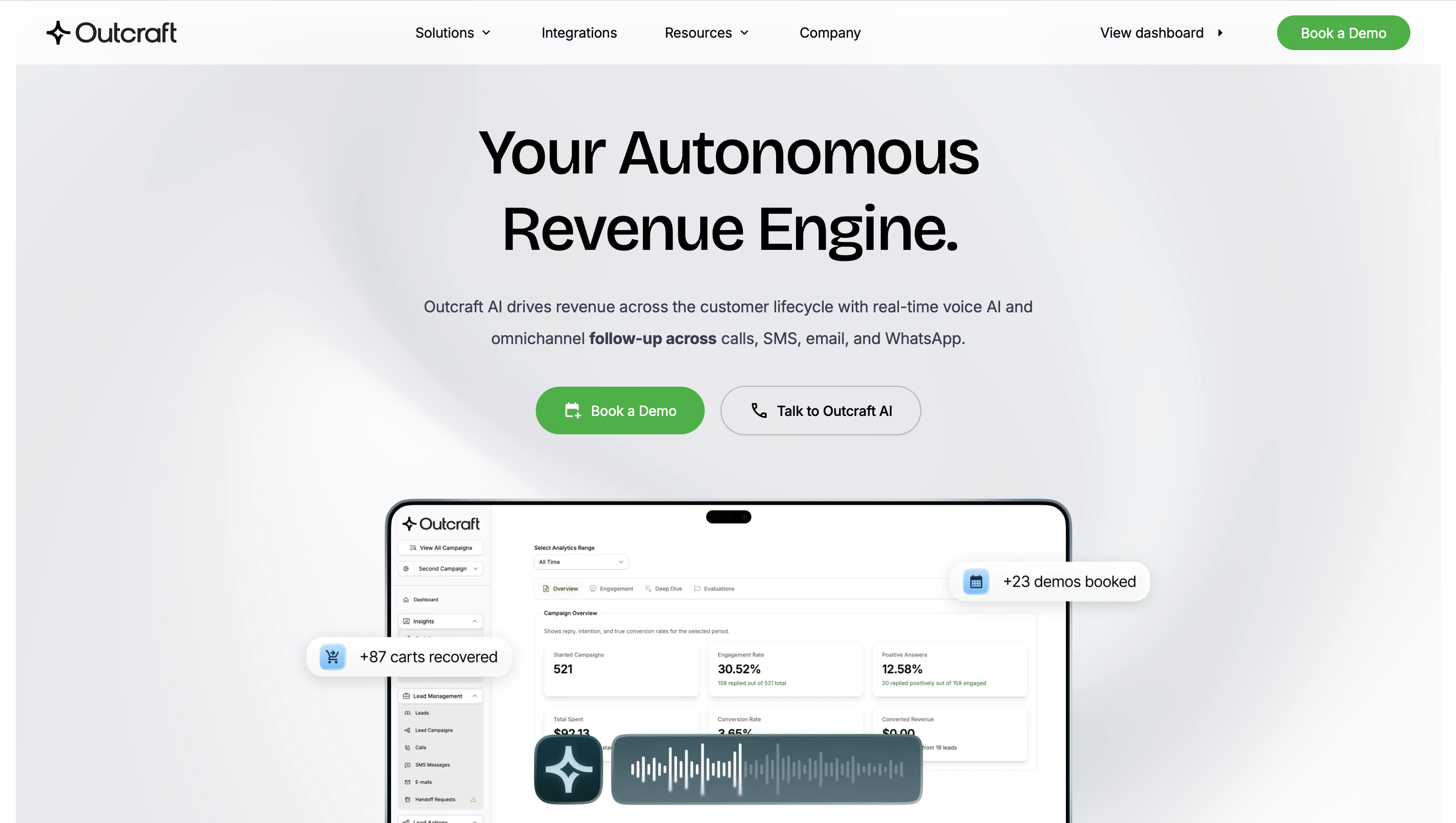
Outcraft is a better fit for stores that already know where the leak is and need to act once intent shows up. It picks up where most on-site CRO tools stop. A behavior tool may show that shoppers leave after adding something to the cart. Outcraft takes the next step by responding to that moment and trying to bring them back.
The workflow starts with a signal from your store or billing system. If a cart has been abandoned for 30 minutes, it can trigger an SMS with the cart link. If there’s no reply, Outcraft can follow up with a call two hours later. A successful purchase or opt-out stops the rest of the sequence, so customers don’t keep getting recovery messages after the situation has changed.
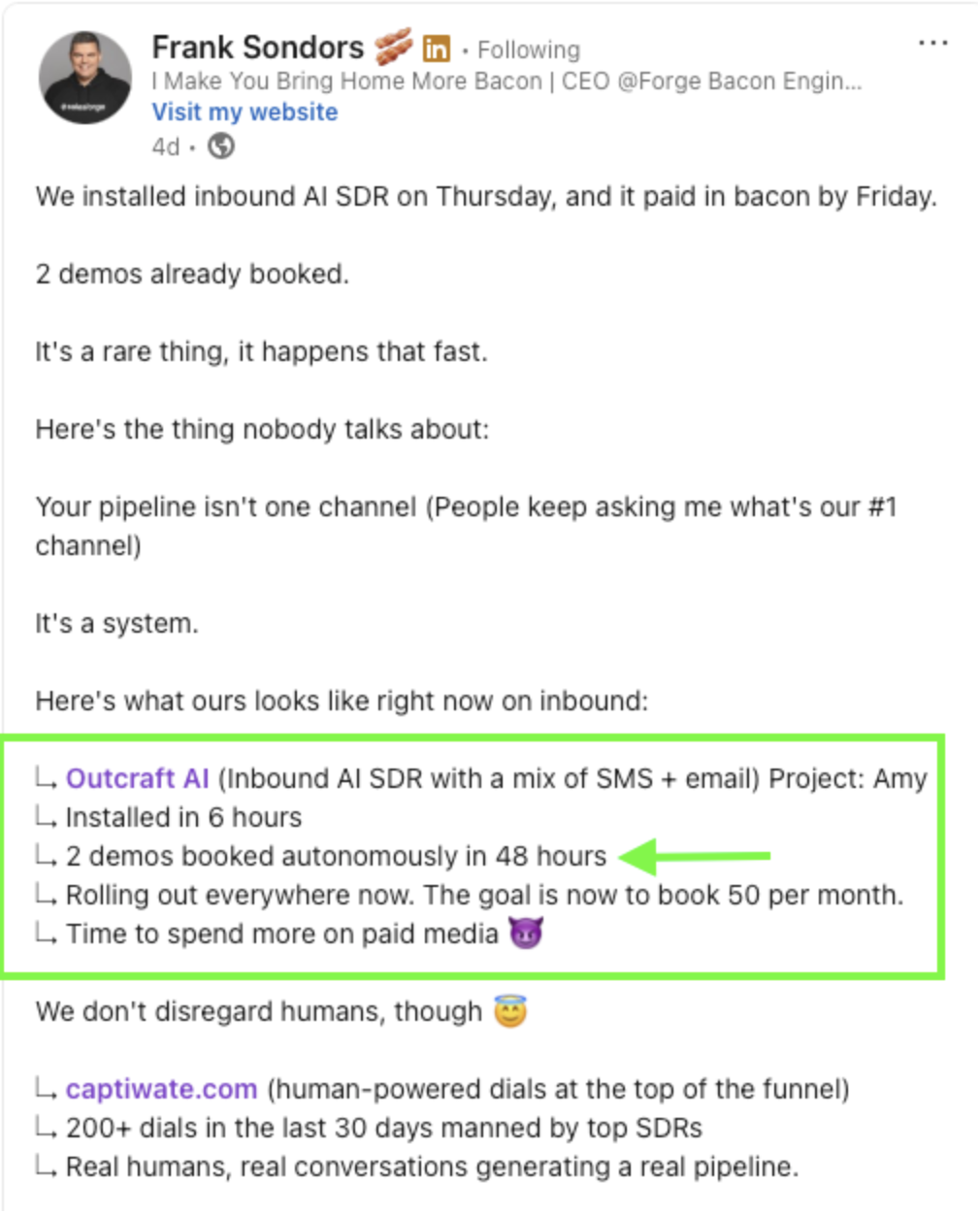
The same approach works for failed payments and post-purchase follow-up. A failed charge might start with an email that includes the card-update link, then move to WhatsApp after 24 hours, and finally reach a human owner if the case needs judgment. Each response updates the shared customer record, so the next channel can pick up the conversation without starting over.
That’s what makes Outcraft useful when the problem goes beyond the storefront. You still need analytics or testing tools to find page friction. Once you know where the revenue moment is, Outcraft handles the action, channel, owner, and stopping rule needed to move things forward.
Features
- Cart events can trigger an immediate recovery sequence while purchase intent remains fresh.
- Failed-payment events start a card-update workflow and stop once the payment succeeds.
- Calls, SMS, email, and WhatsApp share the same customer and outcome context.
- AI voice handles routine conversations and sends policy exceptions to a human owner.
- Outcome-based stopping rules prevent irrelevant follow-up after a shopper converts or opts out.
- Post-purchase signals can launch a relevant upsell or account-owner conversation.
Pricing
Contact sales / demo-based
- Scope reflects the revenue moments you want Outcraft to own, the channels in use, and the workflow volume.
- The plan can cover event-triggered recovery across calls, SMS, email, and WhatsApp.
- Implementation includes the routing rules, stopping conditions, and human handoffs needed for the chosen workflows.
Pros
- Acts on conversion leaks after a shopper leaves the storefront
- Connects each conversation to the cart, payment, or purchase event
- Carries context between supported customer channels
- Stops workflows when the intended outcome occurs
- Routes unusual cases to a human with the history attached
Cons
- Does not replace web analytics or controlled experimentation software
- Requires more setup than a heatmap or popup app
- Voice performance needs a pilot with real catalog language
- Public product evidence is lighter than older CRO suites
- A small store with one onsite leak may find the scope excessive
Takeaway
Choose Outcraft when the shopper’s next action depends on timely follow-up. Convert deserves the first look when the work stays inside the storefront.
2. Convert
Best For: Controlled e-commerce experimentation for rigorous test programs
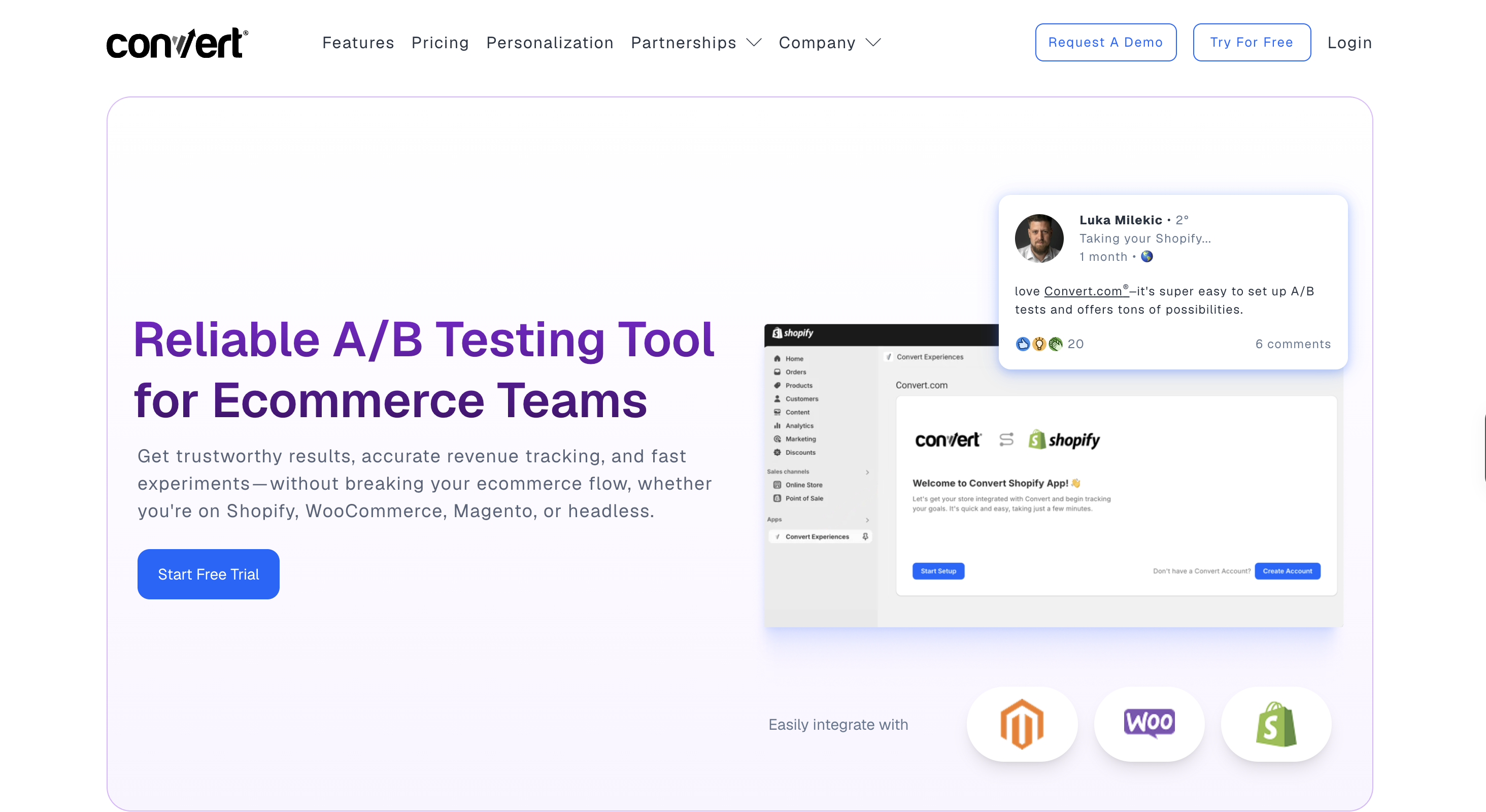
For pure experimentation, Convert is a strong option. It helps you compare your current e-commerce experience against a proposed change under controlled conditions. Rather than replacing a product page and hoping the new version performs better, you split eligible traffic between versions and see which one drives more purchases or revenue.
The visual editor is best for straightforward copy and layout changes. Split-URL tests work well for bigger redesigns that live on separate pages. Multivariate tests compare combinations of elements, while server-side experiments let developers test deeper logic that would be risky to change in the browser.
You set the audience, choose the conversion event, and decide how much traffic goes into the experiment. Convert then reports results by variation. Shopify revenue events can feed into that reporting, so you can judge a test on orders and revenue instead of a softer signal like button clicks.
Convert is a good fit for stores with enough traffic to reach reliable results and teams that can write solid hypotheses. It will tell you which variation won, but it won’t tell you why shoppers behaved that way or bring back the people who already left. For that, mature programs usually pair it with behavior research and lifecycle recovery tools.
Features
- A/B tests compare page variants against purchase and revenue events.
- Multivariate tests examine combinations when traffic volume can support them.
- Split-URL tests handle changes that live on separate page versions.
- Audience targeting limits experiments to the shoppers who should see them.
- Server-side testing supports deeper product and checkout changes.
- Controlled rollouts reduce exposure while a team checks a new experience.
Pricing
Growth: $399 per month, or $299 per month billed annually
- Starts with 100,000 monthly tested users.
- Includes unlimited projects, variations, collaborators, and core experimentation features.
- A 15-day free trial gives full feature access with a limited tested-user quota.
Pro: $599 per month, or $420 per month billed annually
- Starts with 250,000 monthly tested users.
- Adds multi-arm bandit allocation, broader reporting controls, and more capacity.
Enterprise: custom pricing
- Starts at one million monthly tested users.
- Adds custom volumes, data segregation, dedicated support, and service-level agreements.
Pros
- Supports rigorous experiment design for frequent testing
- Connects test results to e-commerce revenue outcomes
- Handles client-side and server-side changes
- Works across multiple projects and storefronts
- Gives mature teams useful targeting controls
Cons
- Needs substantial traffic for dependable results
- Requires someone who can form and prioritize hypotheses
- Takes more operational discipline than a visual editor suggests
- Does not explain every behavioral reason behind a result
- Cannot recover a shopper after the session ends
Takeaway
Convert wins when your CRO program needs dependable experimentation. Outcraft belongs beside it when a winning journey also requires follow-up after the browser closes.
3. Intelligems
Best For: Shopify price, shipping, and offer testing
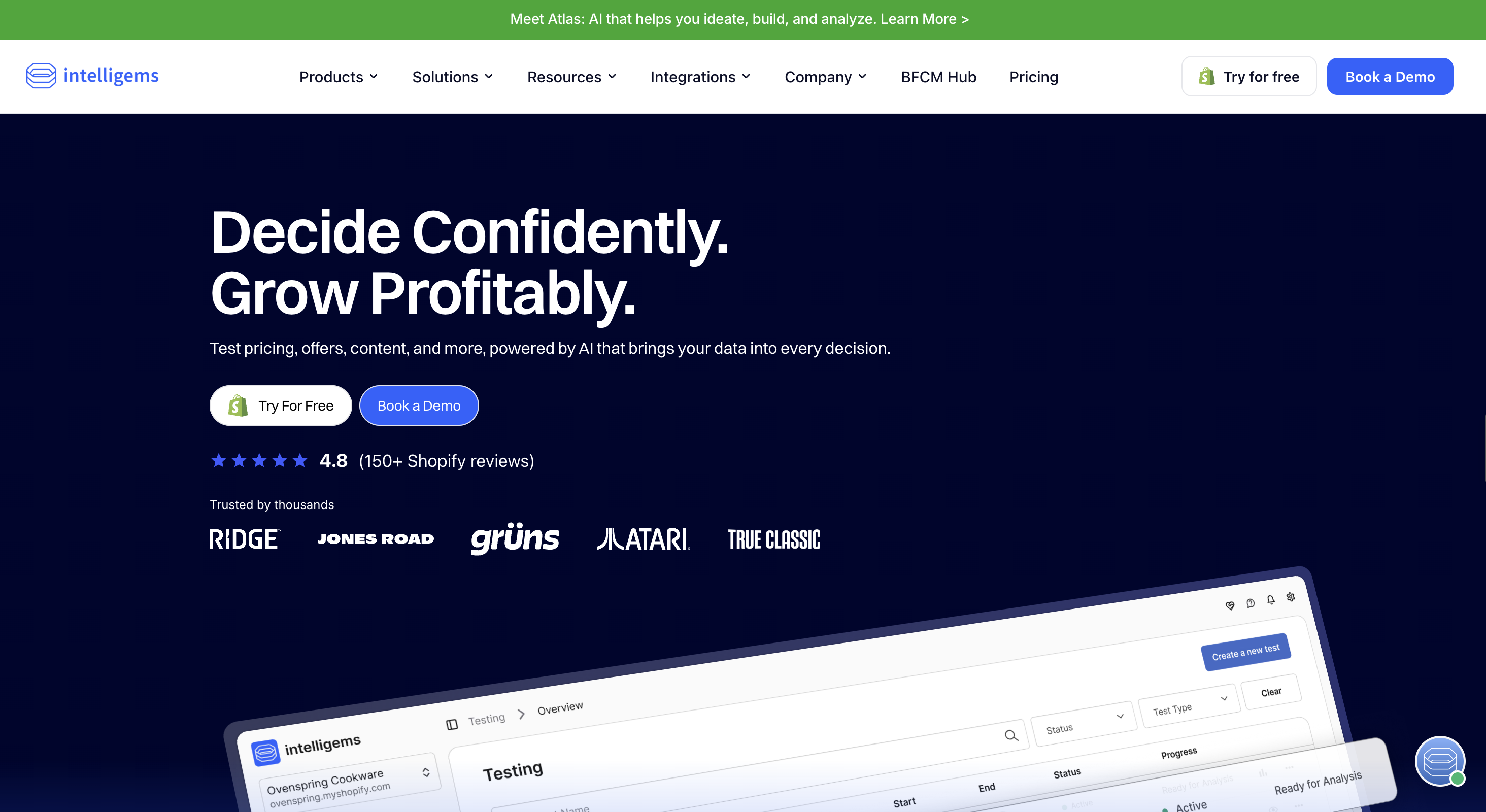
Intelligems is designed for Shopify teams making CRO decisions that affect the bottom line. A standard page test can show that an offer improved conversion, but Intelligems helps you see whether that lift still makes sense once you factor in price, discount cost, shipping revenue, and margin.
You can start with theme or landing-page tests for storefront changes, then move into price and offer experiments when the question becomes more commercial. For example, a free-shipping threshold might boost completed orders while lowering average order value. Intelligems keeps those tradeoffs in the same analysis so you do not end up choosing a conversion winner that hurts the business.
The process begins by choosing the products or audience you want to include. From there, you set the alternative price, discount, or shipping condition and split eligible traffic between each version. Intelligems then compares conversion alongside revenue and profit signals, giving merchandising teams a clearer answer than conversion rate alone.
It is a strong fit for Shopify stores that test offers frequently and have enough order volume to separate real impact from noise. It is less useful for stores on other commerce platforms or for teams whose main problem happens after the visitor leaves.
Features
- Theme tests compare storefront layouts and merchandising changes.
- Landing-page tests measure how campaign traffic responds to different experiences.
- Price tests show how conversion changes alongside margin and revenue.
- Discount experiments compare incentive structures without losing the commercial result.
- Shipping-threshold tests measure the effect on conversion and order value.
- Profit reporting keeps a conversion lift from hiding a weaker unit-economics result.
Pricing
Redirect Only: starts at $49 per month
- Covers stores below 3,000 monthly orders.
- Tests changes by directing shoppers to different destination pages.
Core: starts at $79 per month
- Tests landing pages, themes, offers, discounts, and checkout content.
- Includes profit reporting and targeted offer creation.
Plus: starts at $499 per month
- Adds price tests, shipping-rate tests, and shipping-threshold experiments.
Blue: starts at $999 per month
- Adds subscription pricing, multi-currency tests, specialist support, and deeper integrations.
- Every plan begins with a 14-day trial without a credit card. Smart Pricing is excluded from that trial.
Pros
- Tests commercial variables that general page tools miss
- Keeps profit beside conversion in experiment reporting
- Fits Shopify merchandising workflows closely
- Connects offer tests to checkout outcomes
- Helps teams judge margin and conversion together
Cons
- Its Shopify focus limits use on other commerce platforms
- Advanced pricing experiments require careful implementation
- Small stores may lack enough orders for narrow differences
- Price tests can confuse repeat shoppers without clean audience rules
- It does not recover intent after a shopper leaves
Summary
For Shopify price and offer questions, Intelligems gets my vote.
4. Crazy Egg
Best For: behavior analysis with accessible A/B testing
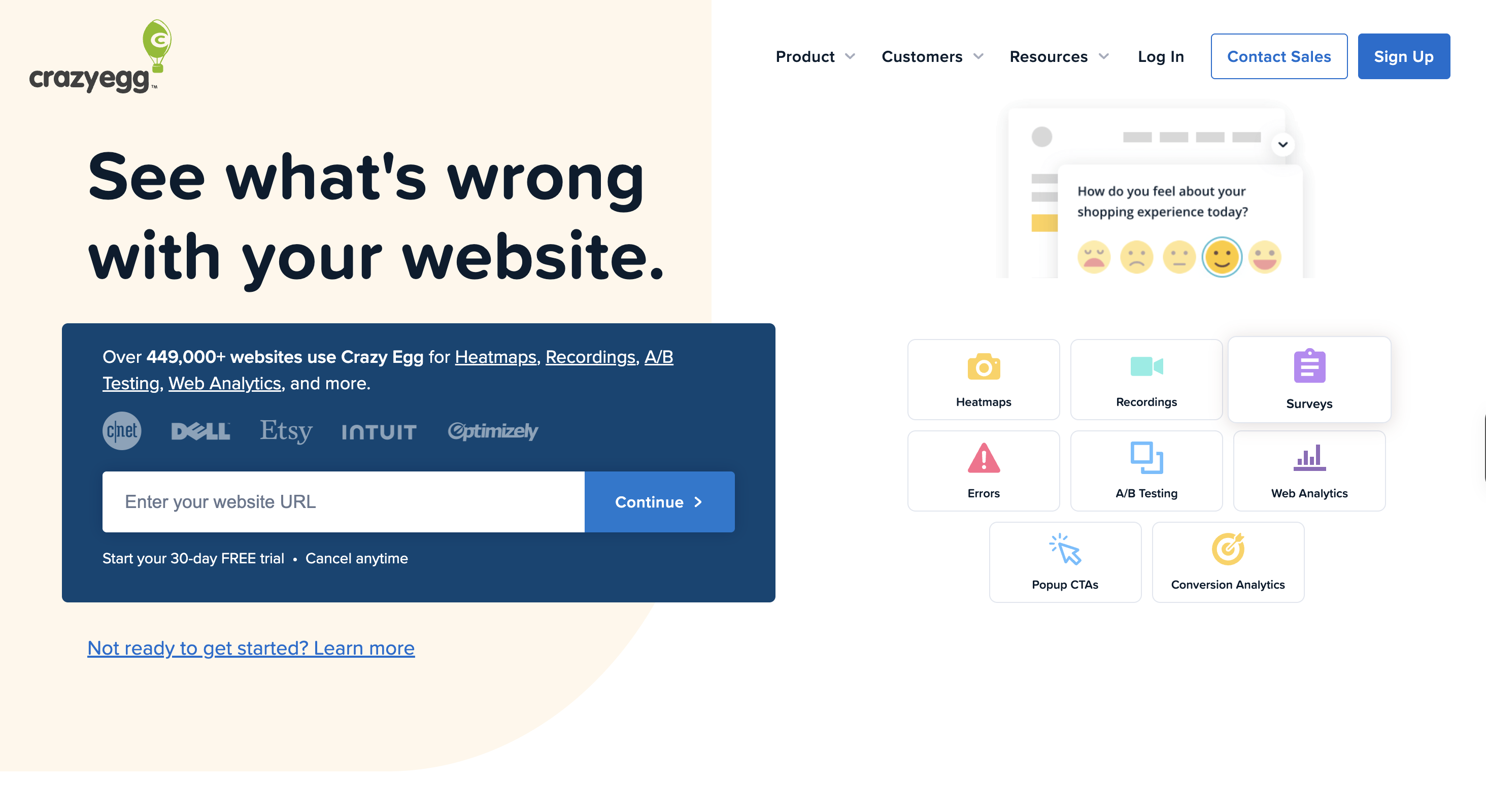
Crazy Egg offers a small e-commerce team a practical way to move from observation to testing. It shows how shoppers interact with a page, turns that behavior into clear visual patterns, and helps you spot where people are dropping off.
Heatmaps show where shoppers click and how far they scroll, which can reveal that they’re skipping a delivery message or never reaching a product comparison section. Session recordings show the story behind that pattern. Funnels pinpoint the step where most people leave, while error tracking helps you tell the difference between a confusing design and something that’s actually broken.
Once you have a solid hypothesis, you can build a simple A/B test in the same product. For example, a team might move shipping details closer to the add-to-cart button and compare the result with the current product page. Surveys can also surface the shopper’s own explanation when recordings still don’t make the problem clear.
Crazy Egg is a strong fit when you want broad insight and simple experiments without needing a full enterprise testing setup. But someone still has to review the evidence and decide what to change. More advanced targeting, deeper server-side testing, and post-session recovery are better left to other tools.
Features
- Heatmaps show where shoppers click and how far they scroll.
- Session recordings expose confusing paths on product and cart pages.
- Funnels reveal the step where a journey loses the most shoppers.
- Error tracking connects broken interactions to affected sessions.
- Surveys collect the objection that behavior alone cannot explain.
- A/B tests let a team validate straightforward page corrections.
Pricing
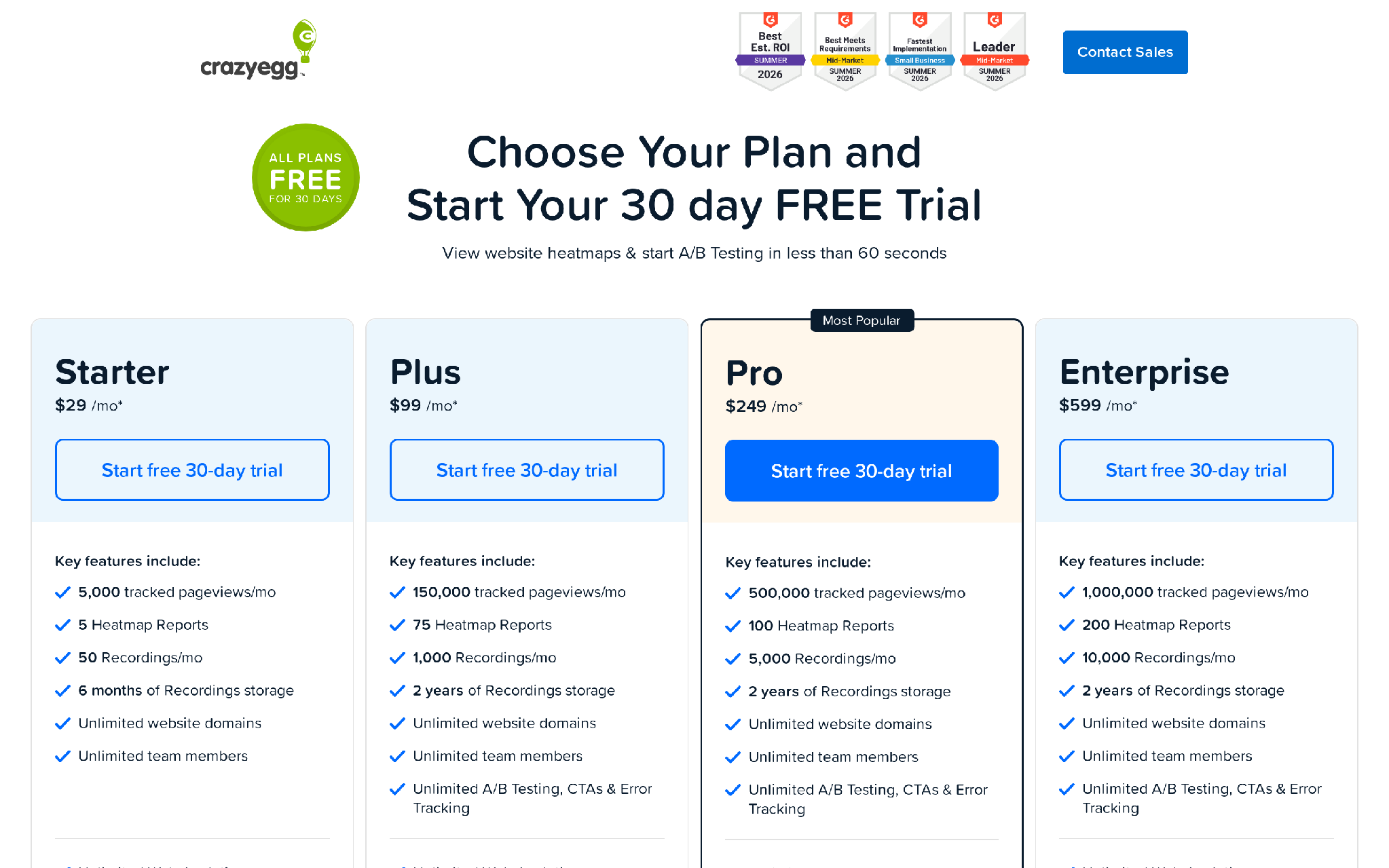
Free: $0
- Includes web analytics, instant heatmaps, conversion analytics, and website surveys.
Starter: $29 per month, billed annually
- Covers 5,000 tracked pageviews, five heatmap reports, and 50 recordings each month.
- Stores recordings for six months.
Plus: $99 per month, billed annually
- Covers 150,000 tracked pageviews, 75 heatmap reports, and 1,000 recordings each month.
- Adds unlimited A/B tests and device targeting.
Pro: $249 per month, billed annually
- Covers 500,000 tracked pageviews and 5,000 recordings each month.
- Adds broader audience targeting and AI exports.
Enterprise: $599 per month, billed annually
- Covers one million tracked pageviews and 10,000 recordings each month.
- Adds all audience segments and SAML single sign-on.
- Paid plans include a 30-day free trial.
Pros
- Combines behavior evidence with basic testing
- Makes page-level friction easy to inspect
- Supports several sites from one account
-
Helps a small team move from a hunch to a test
- Requires less experimentation overhead than enterprise suites
Cons
- Testing controls are limited for complex programs
- Recordings still require manual review and prioritization
- Heatmaps can hide differences between visitor segments
- It cannot act after a shopper leaves the site
- Advanced personalization needs another product
Takeaway
Crazy Egg suits a small CRO team that needs diagnosis and simple tests in one subscription.
5. Hotjar (ContentSquare)
Best For: Qualitative evidence for e-commerce friction
Hotjar helps you understand the behavior behind a conversion drop. Your analytics can show that mobile shoppers leave a product page. Hotjar lets you inspect what they did before leaving and ask them what got in the way.
Heatmaps combine many visits to show click, movement, and scroll patterns. Recordings replay individual sessions, which is useful when you need to see a shopper fight with a menu or abandon a form after repeated corrections. Funnels and trends narrow the review to a particular journey or a change in behavior after a release.
Surveys and feedback widgets add direct shopper language to that evidence. A product page with weak conversion may have a layout problem, an unclear returns policy, or a price objection. Behavior alone cannot distinguish every cause. A short question can expose the difference and give your team a sharper test hypothesis.
Hotjar earns its place early in a CRO program, before you commit engineering time to a fix. It diagnoses friction but does not validate a new experience through a controlled A/B test. Another system also has to change the page or recover the shopper after the visit.
Features
- Heatmaps reveal click, movement, and scroll patterns on key pages.
- Recordings show the sequence behind rage clicks and abandoned forms.
- Funnels quantify where shoppers leave a defined journey.
- Trend views track whether friction signals rise after a change.
- Surveys capture objections in the shopper’s own language.
- Feedback widgets collect page-specific sentiment without a separate study.
Pricing
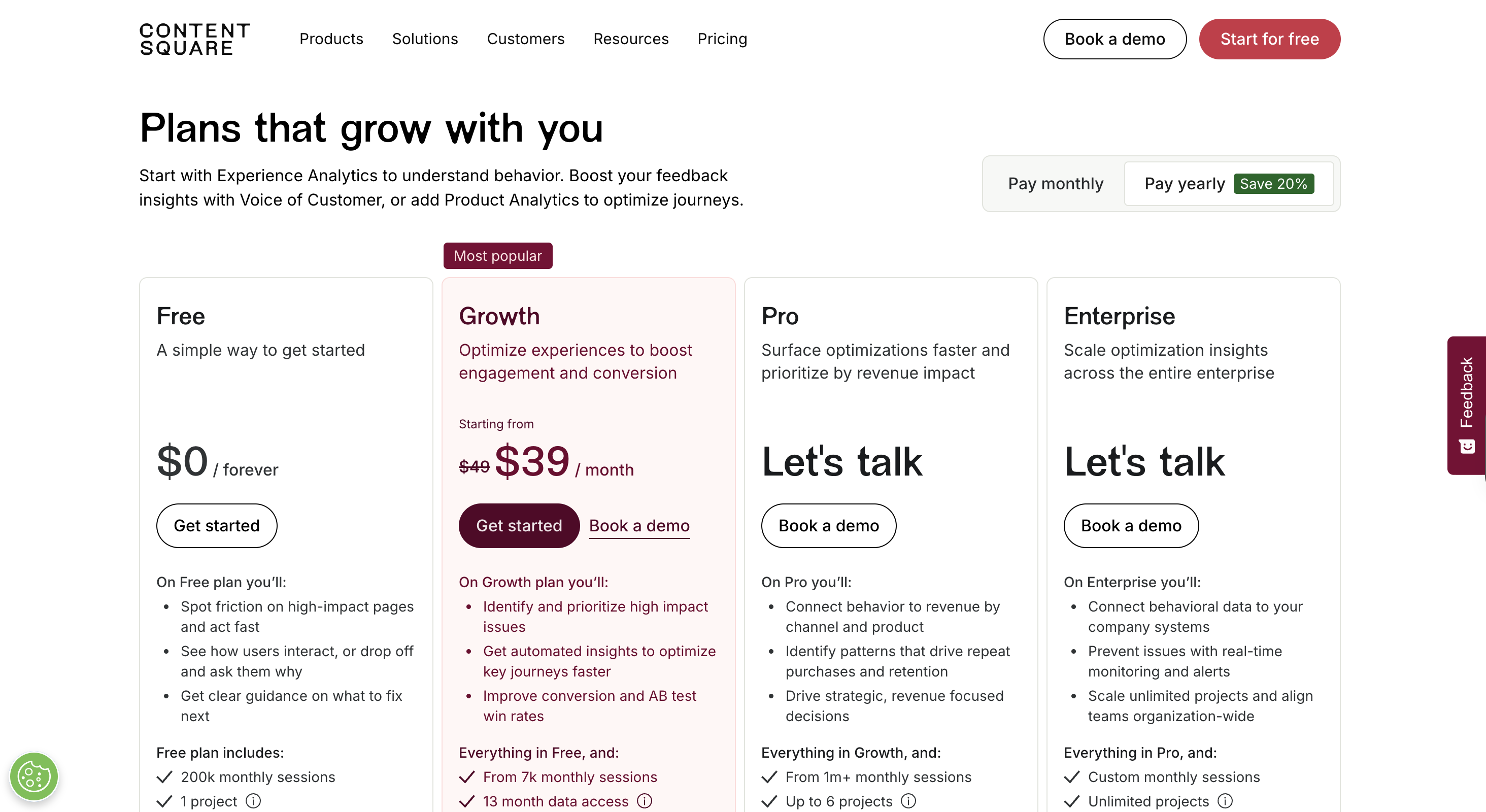
Basic: $0 per month
- Tracks up to 35 daily sessions.
- Includes unlimited heatmaps, recordings, dashboards, and basic filters.
Plus: $39 per month
- Tracks up to 100 daily sessions.
- Adds page, device, visitor, and custom-event filters.
Business: starts at $99 per month
- Starts with 500 daily sessions.
- Adds behavior filters and experiment analysis.
Scale: starts at $213 per month
- Starts with 500 daily sessions.
- Adds funnels, trends, error tracking, API access, webhooks, and SAML single sign-on.
Pros
- Turns abstract drop-offs into visible behavior
- Pairs behavioral evidence with direct shopper feedback
- Filters recordings around useful friction signals
- Helps teams form stronger test hypotheses
- Works well for an early diagnostic pass
Cons
- Does not run controlled A/B tests
- Sampling can miss rare checkout failures
- Recordings take time to review well
- Survey responses can overrepresent highly motivated visitors
- Another system must fix or recover the conversion
Takeaway
Hotjar should win when your team lacks a credible test hypothesis.
6. Lucky Orange
Best For: Quick behavior diagnosis for smaller e-commerce stores
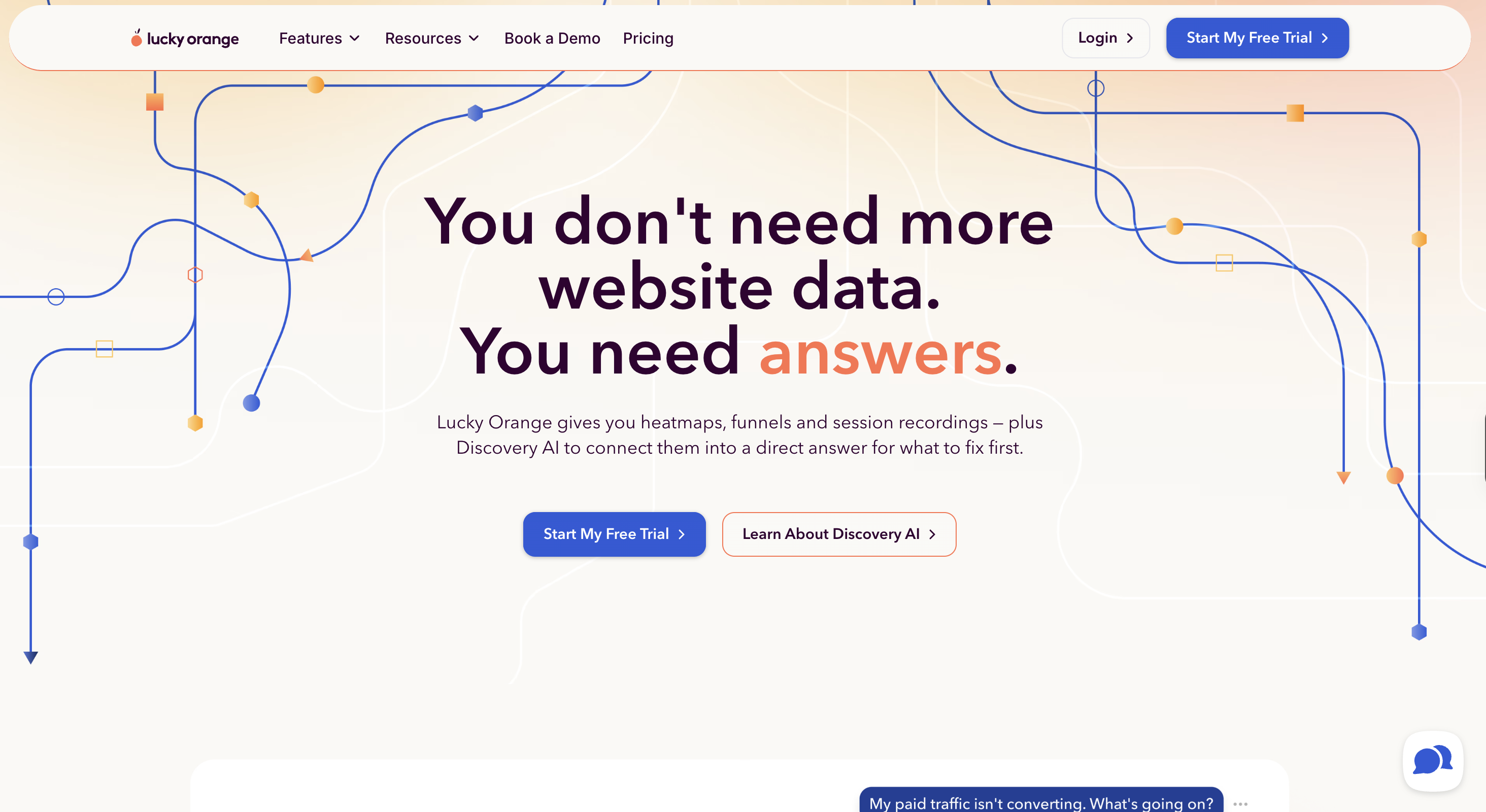
Lucky Orange brings together several CRO research tools for smaller stores that need answers fast. Once you add the tracking code, it starts recording eligible sessions and turns those visits into heatmaps, funnels, and form reports. A good place to begin is the page where the most shoppers drop off, then work your way from the overall pattern down into individual sessions.
The dynamic heatmaps are especially useful on interactive storefronts. They can capture clicks on menus and elements that change after the page loads, which gives you a more accurate picture than a static screenshot. Form analytics adds another layer of detail, so you can see whether shoppers hesitate on a coupon field or keep correcting an address.
Surveys help you understand the objection, while live chat gives your team a chance to respond before the shopper leaves. That makes Lucky Orange more action-oriented than a replay-only tool, though its chat value still depends on staffing and good response rules.
I’d start here when a small store can’t explain its cart or checkout drop-off and doesn’t have a dedicated research stack. Lucky Orange can point to likely friction and open the door to an immediate conversation. What it can’t do is run a controlled experiment or recover the session after the browser closes.
Features
- Dynamic heatmaps capture clicks on menus and other changing page elements.
- Session recordings show how individual shoppers move through the store.
- Conversion funnels identify the page or step with the largest exit.
- Form analytics reveal hesitation and abandonment at field level.
- Surveys and announcements collect feedback or present a timely message.
- Live chat lets a team answer an objection while the shopper is present.
Pricing
Build: $32 per month billed annually
- Tracks up to 3,500 monthly sessions.
- Includes recordings, dynamic heatmaps, funnels, surveys, live chat, and form analytics.
Grow: $72 per month billed annually
- Raises tracking to 10,000 monthly sessions while keeping the same feature set.
Expand: $199 per month billed annually
- Starts at 50,000 monthly sessions.
- Includes unlimited team members and 60 days of base data storage.
Scale: $839 per month billed annually
- Starts at 300,000 monthly sessions.
- Supports larger traffic volumes with the same core behavior toolkit.
Enterprise: custom pricing
- Starts at 700,000 monthly sessions.
- Every paid tier has a seven-day trial with all features and no credit card.
Pros
- Packages several diagnostic tools in one product
- Installs quickly for a small e-commerce team
- Dynamic heatmaps suit interactive storefronts
- Live chat can resolve a visible objection immediately
- Makes early funnel investigation approachable
Cons
- Does not validate changes through controlled experiments
- Small samples can produce misleading behavior patterns
- Live chat requires staffing and response rules
- Broad functionality offers less depth than specialist tools
- Post-session recovery needs another workflow
Summary
This is often the first practical purchase for a small store that can’t make sense of its drop-offs. Once a team is ready to automate recovery across multiple channels, it’s usually stepping into Outcraft’s territory.
7. Mouseflow
Best For: funnel, form, and error diagnosis
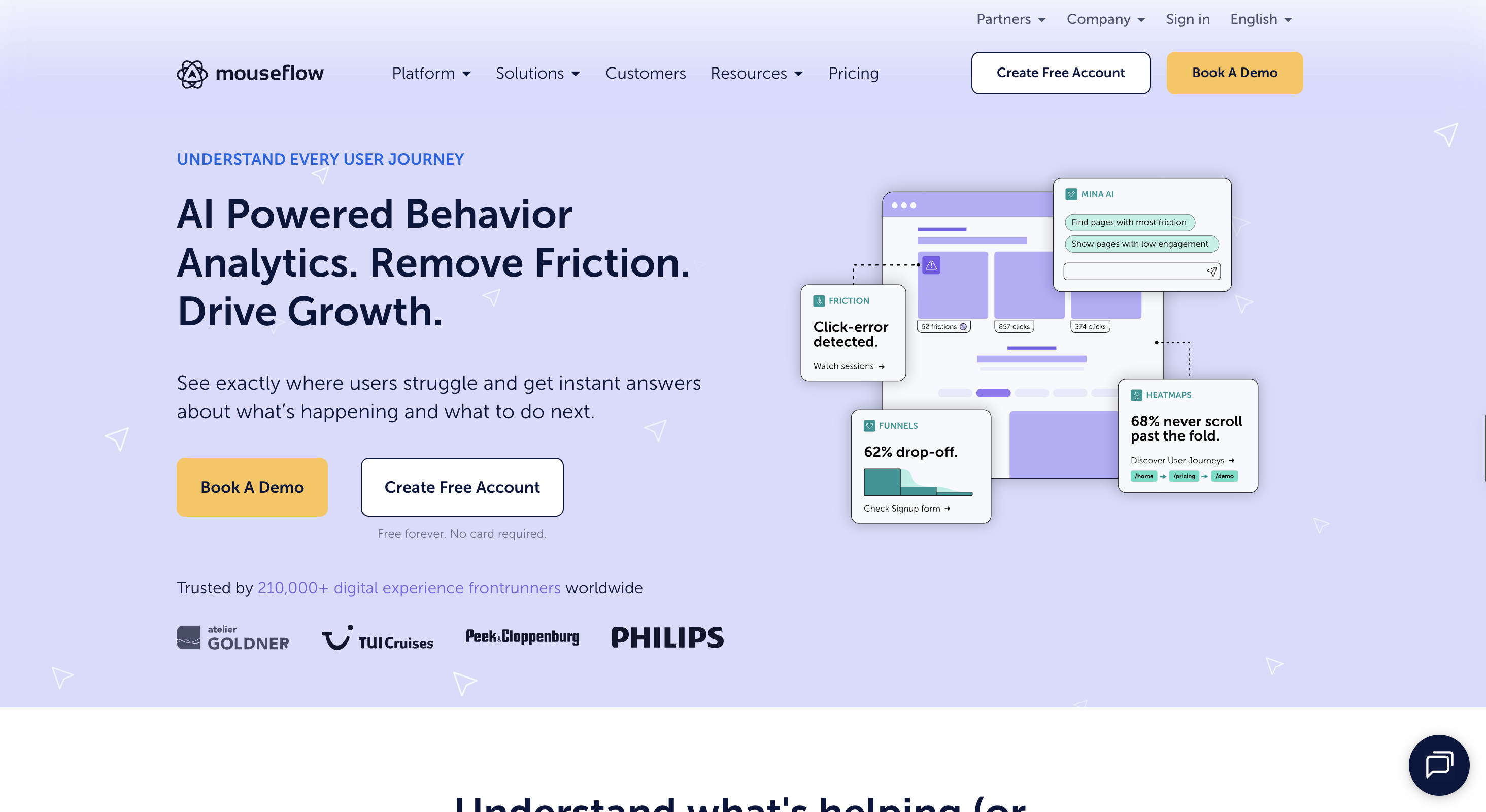
Mouseflow is especially useful when the conversion problem seems to happen in a journey or a form. It tracks where shoppers go and adds friction signals to each session, so you can focus on visits where something actually went wrong instead of replaying sessions at random.
Journey analytics shows the paths shoppers take through the store, making it easy to spot which route leads to purchase and where another one drops off. Form analytics gets more specific, down to the field level, so you can see hesitation and repeated corrections around inputs that may be hurting checkout completion.
The heatmaps show click and scroll behavior, along with attention and movement patterns. Session replay lets you watch the visit behind those patterns. Friction detection flags errors and rage clicks, while feedback surveys give shoppers a way to explain the problem when the behavior is still unclear.
This is a good fit for teams looking into checkout abandonment or a complicated path across several pages. Mouseflow gives you the evidence you need to prioritize a fix, but it doesn’t run the experiment to prove the fix worked, and it can’t reach out to the shopper after the failed journey.
Features
- Session replay reconstructs the visit that led to abandonment.
- Click, movement, scroll, attention, and geographic heatmaps expose different friction patterns.
- Journey analytics compare paths that convert with paths that stall.
- Form analytics identify fields that cause hesitation or repeated correction.
- Friction detection flags errors, rage clicks, and confusing interactions.
- Feedback surveys add the shopper’s stated reason to the behavioral record.
Pricing
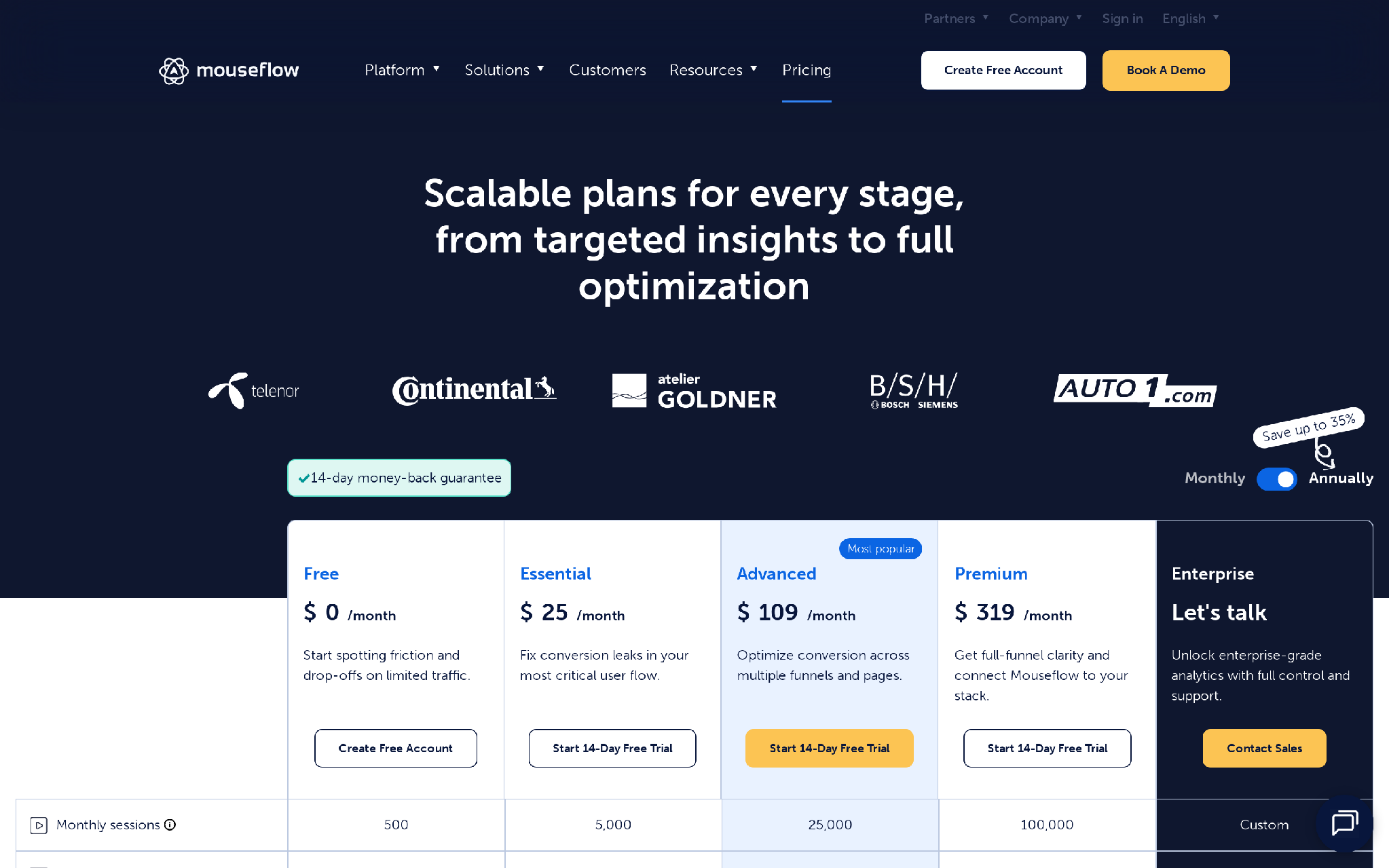
Free: $0 per month
- Captures 500 monthly sessions for one website.
- Includes one funnel and one month of data retention.
Essential: $25 per month
- Captures 5,000 monthly sessions for one website.
- Extends data retention to three months.
Advanced: $109 per month
- Captures 25,000 monthly sessions across two websites.
- Includes five funnels and six months of retention.
Premium: $319 per month
- Captures 100,000 monthly sessions across five websites.
- Includes ten funnels, integrations, API access, and 12 months of retention.
Enterprise: custom pricing
- Adds custom capacity, journey analytics, SSO, privacy controls, and managed support.
- Paid plans include a 14-day full-feature trial capped at 2,000 sessions and five websites.
Pros
- Goes deep on form and checkout diagnosis
- Connects friction signals to individual sessions
- Shows alternate paths through the same funnel
- Supports focused investigations with filters
- Combines quantitative paths with qualitative feedback
Cons
- Does not validate a fix through native experiments
- Replay analysis still demands operator time
- Session caps can leave gaps during traffic spikes
- Complex stores need careful privacy configuration
- It cannot contact shoppers after a failed journey
Summary
Mouseflow is a good fit when a form or journey looks like the main problem.
8. OptiMonk
Best For: Onsite personalization and offer delivery
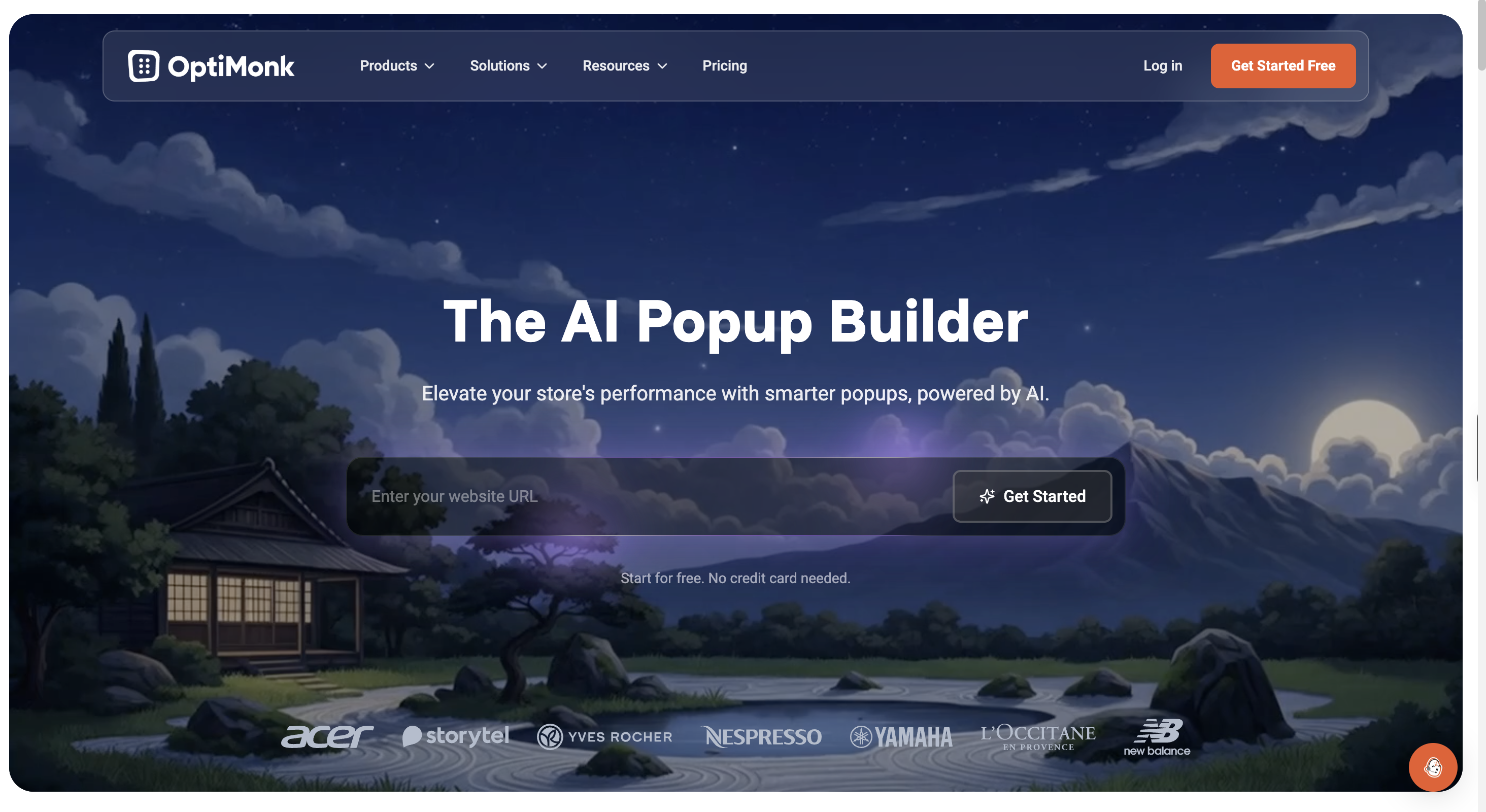
OptiMonk gives e-commerce marketers a way to change what shoppers see without rebuilding the whole store. You can create a popup or embedded campaign, choose when it appears, and show it to the right audience based on visitor or session behavior.
That’s where most of the CRO value comes in. A returning shopper can see a different message than a first-time visitor. Traffic from an ad can land on a page that echoes the same promise, and exit-intent offers can give hesitant shoppers one last reason to stay.
It also supports personalization on product and landing pages. You can test messages or offers against conversion results, which makes it more than just a popup tool. That way, you can see whether the experience actually changed how that audience behaved.
OptiMonk is a good fit for stores that have a clear onsite message or relevance problem and want marketers to handle it directly. But if the rules are too loose, the wrong message can show up or a shopper who was ready to buy might get an unnecessary discount. And because the platform only works on-site, anything that happens later needs a separate workflow.
Features
- Popups present an offer when exit intent or another rule fires.
- Embedded campaigns change messages without rebuilding the page.
- Audience targeting matches offers to visitor and session conditions.
- Product-page personalization adapts content to browsing context.
- Landing-page personalization aligns a campaign message with its traffic source.
- A/B tests compare messages and offers against conversion outcomes.
Pricing
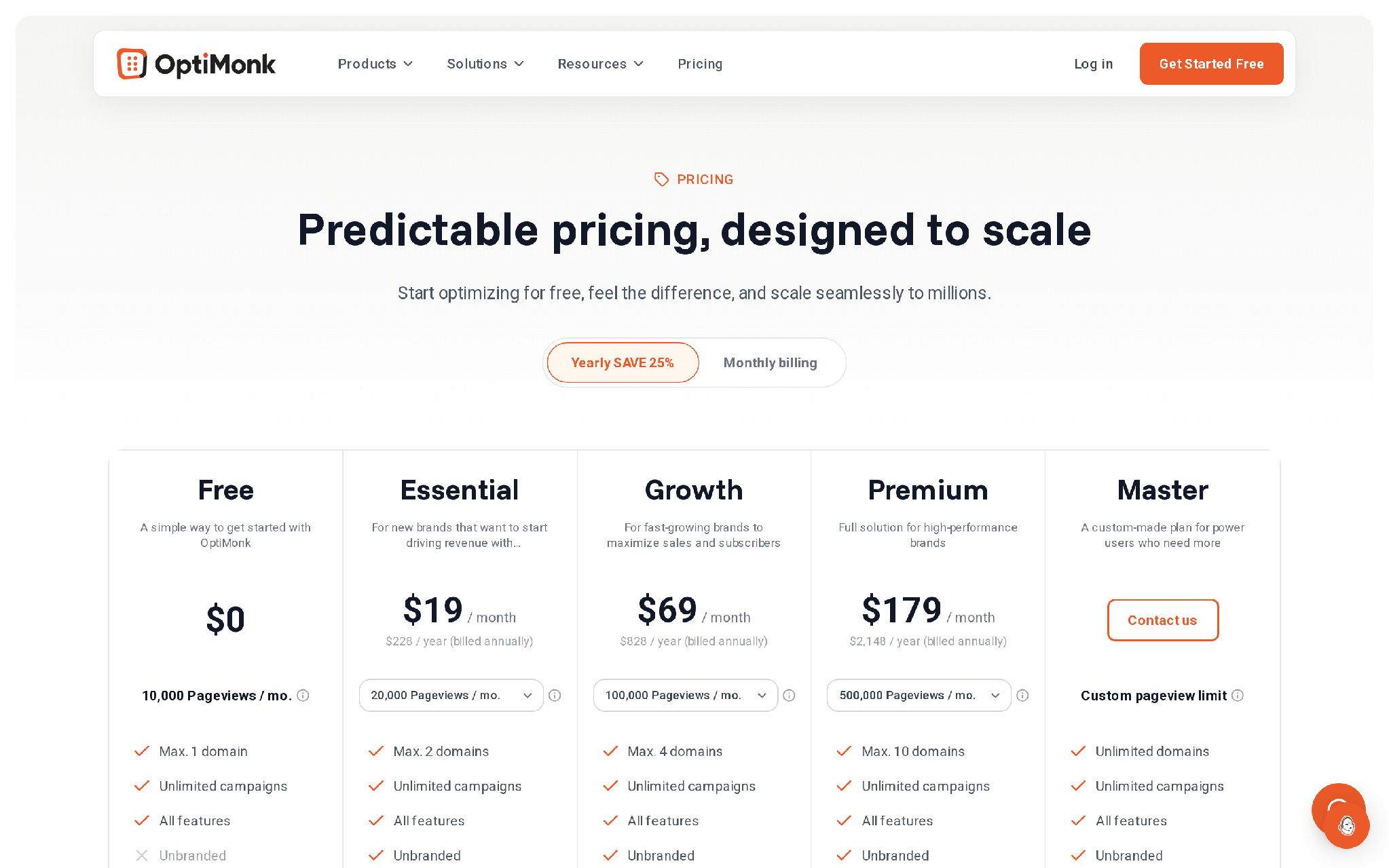
Free: $0 per month
- Covers 10,000 monthly pageviews on one domain.
- Includes unlimited campaigns and the full personalization feature set.
Essential: $19 per month billed annually
- Covers two domains with a pageview allowance selected at checkout.
- Removes OptiMonk branding.
Growth: $69 per month billed annually
- Covers four domains and raises the available pageview capacity.
Premium: $179 per month billed annually
- Covers ten domains and supports higher-volume personalization programs.
Master: custom pricing
- Adds custom pageview capacity and unlimited domains.
Pros
- Gives marketers direct control over onsite offers
- Combines targeting with message testing
- Supports embedded experiences as well as popups
- Can react to exit intent during the visit
- Makes personalization accessible without a full experimentation team
Cons
- Loose targeting can add friction at the worst moment
- Aggressive incentives may train shoppers to wait
- Pageview-based scale can punish broad deployment
- Popup tests do not explain the original objection
- The conversation ends when the shopper leaves
Takeaway
OptiMonk is my pick for onsite offer personalization without a large experimentation budget.
9. Omnisend
Best For: Email-led ecommerce lifecycle recovery
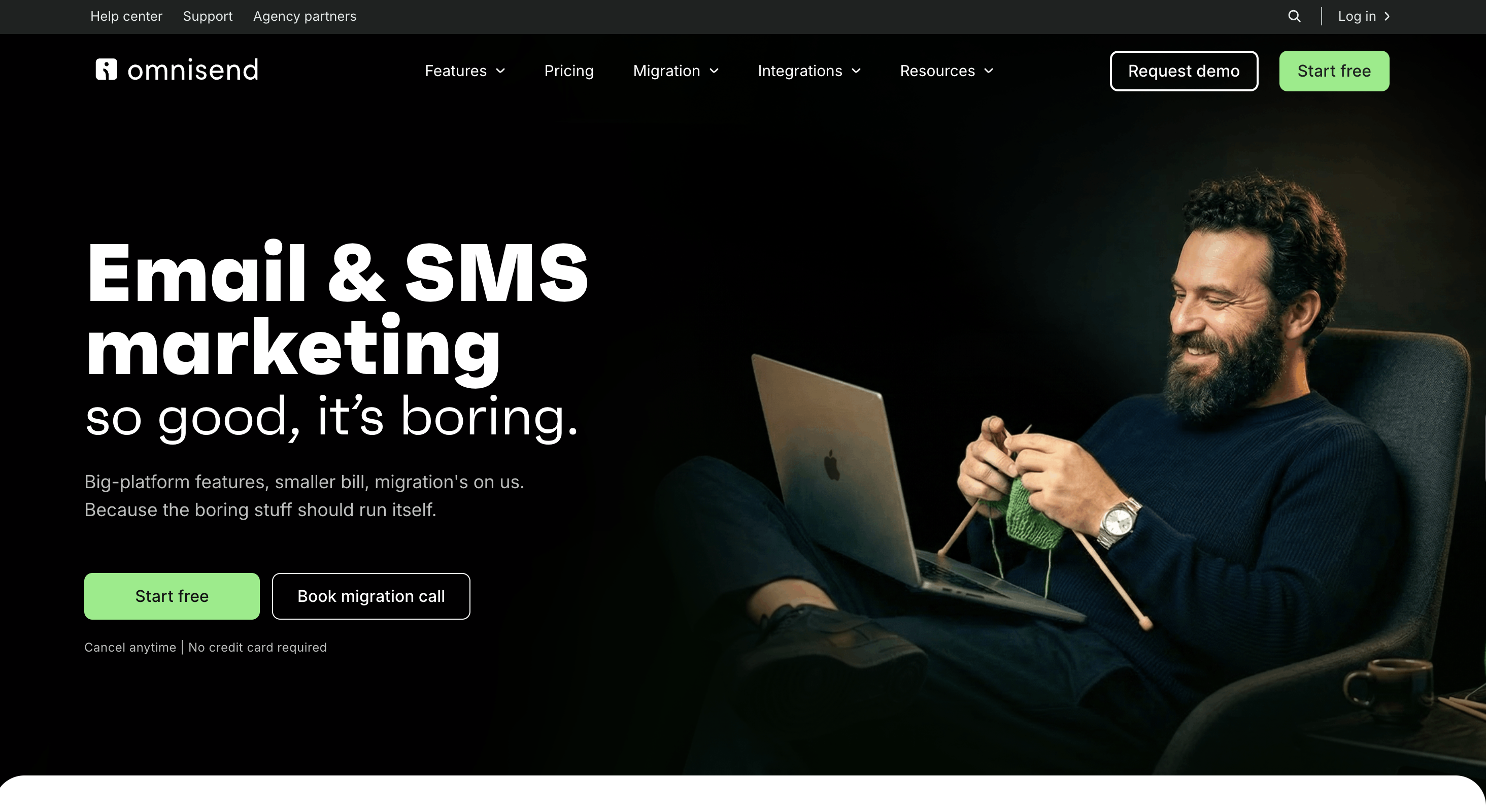
Omnisend helps e-commerce stores improve conversions through lifecycle marketing. It captures shoppers with signup forms, groups them into segments, and triggers automated messages when key store events happen. One of its strongest CRO use cases is abandoned-cart recovery, where an unfinished purchase starts a reminder sequence.
You can build that sequence in a campaign-style editor. Cart and customer data can change who enters the workflow and which message they receive. If someone buys, they should leave the recovery flow, while a new customer can move into a post-purchase sequence for onboarding or a relevant cross-sell.
Email is the main channel, with push notifications giving shoppers another way back to the store. That makes Omnisend a good fit for teams that want direct control over templates, segments, and timing. Its signup forms also turn anonymous traffic into contacts you can reach later.
Omnisend is a solid first lifecycle tool when email-based recovery covers most of the need. Results still depend on deliverability and contact quality, and more complex branching needs regular attention. Stores that need live calls, SMS, or WhatsApp conversations will likely outgrow its more limited action model.
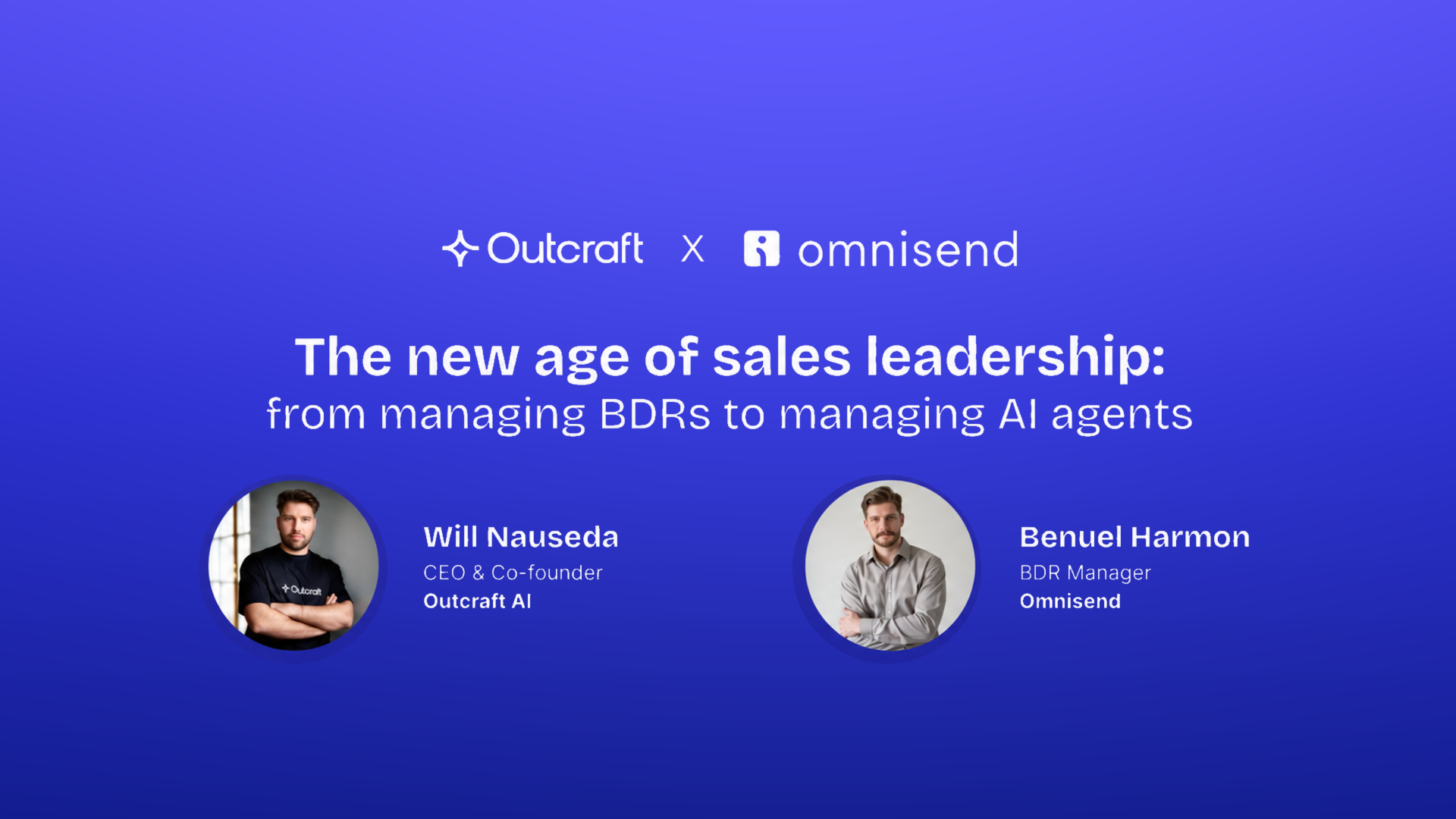
See -> How Omnisend is driving engagement and scaling lead outreach with Outcraft AI
Features
- Email automations react to cart and purchase events.
- Segmentation changes follow-up based on shopper and order context.
- Signup forms turn anonymous traffic into reachable contacts.
- Push notifications add a second route back to the storefront.
- Abandoned-cart workflows remind shoppers about unfinished purchases.
- Post-purchase workflows support education, cross-sell, and repeat-order prompts.
Pricing
Free: $0 per month
- Sends 500 emails per month to as many as 250 contacts.
- Includes 500 web push notifications and $1 in trial SMS credit.
Standard: starts at $16 per month
- Sends 12 emails per billable contact each month.
- Includes unlimited web push notifications and live support. SMS requires Pro for new subscriptions.
Pro: starts at $59 per month
- Includes unlimited email and web push notifications.
- Opens SMS as a paid add-on from $0.007 per message and adds advanced reporting.
Custom: quote-based above 150,000 active profiles
- Adjusts contact and email volume for larger stores.
- Adds a success manager once monthly spend reaches $400.
Pros
- Makes e-commerce lifecycle workflows approachable
- Connects common store events to email automation
- Offers forms and segmentation in the same product
- Push notifications extend recovery beyond the inbox
- Works for teams that want campaign-style control
Cons
- Email-led recovery cannot handle every live objection
- Contact growth increases operating cost
- Deliverability affects how much of the audience sees a message
- Complex branching can become hard to audit
- Calls and WhatsApp need another system
Summary
Omnisend wins when a store wants dependable email recovery at low entry cost.
Which E-commerce CRO tool should you choose?
Start with the leak you can prove.
- Pick Outcraft when cart, payment, or post-purchase intent needs autonomous follow-up.
- Use Convert for a mature experimentation program across substantial traffic.
- Put Intelligems first for Shopify pricing, shipping, or discount tests.
- Begin with Crazy Egg when one subscription must cover diagnosis and simple tests.
- Select Hotjar for qualitative research before forming a hypothesis.
- Try Lucky Orange when a smaller store needs a quick view of visitor behavior.
- Choose Mouseflow when checkout forms and journey errors deserve close inspection.
- Use OptiMonk for onsite offers and personalization.
- Start Omnisend when email-led recovery is enough.
No single vendor fits every use case. When the question is whether to run a page experiment or set up a Shopify offer, Convert or Intelligems should usually come first. Hotjar, Lucky Orange, and Mouseflow can help you spot the issue before automating anything, so your recovery workflow doesn’t act on a guess.
My Take:
The best onsite tools help you diagnose friction and test a fix. They will not call a high-intent shopper, carry a payment conversation into WhatsApp, or stop the rest of a recovery sequence after success.
That is where Outcraft fits. Outcraft can trigger a cart-recovery message, stop the sequence after purchase, and route an unresolved exception to a human owner. If your team is still stitching recovery together manually across calls, SMS, email, and WhatsApp, ask us to map one live workflow and its human handoff points.

Summarize with AI